PR Reviews for Humans
Features
Review pull requests carefully in a local worktree, with your own AI tools at your side. Nothing is sent anywhere you did not choose.
curl -fsSL https://raw.githubusercontent.com/rzorzal/clusia/main/install.sh | bashReview in a local worktree
Open a pull request in a local worktree. Write comments on the diff and keep them as a draft that follows the code when the author pushes again.
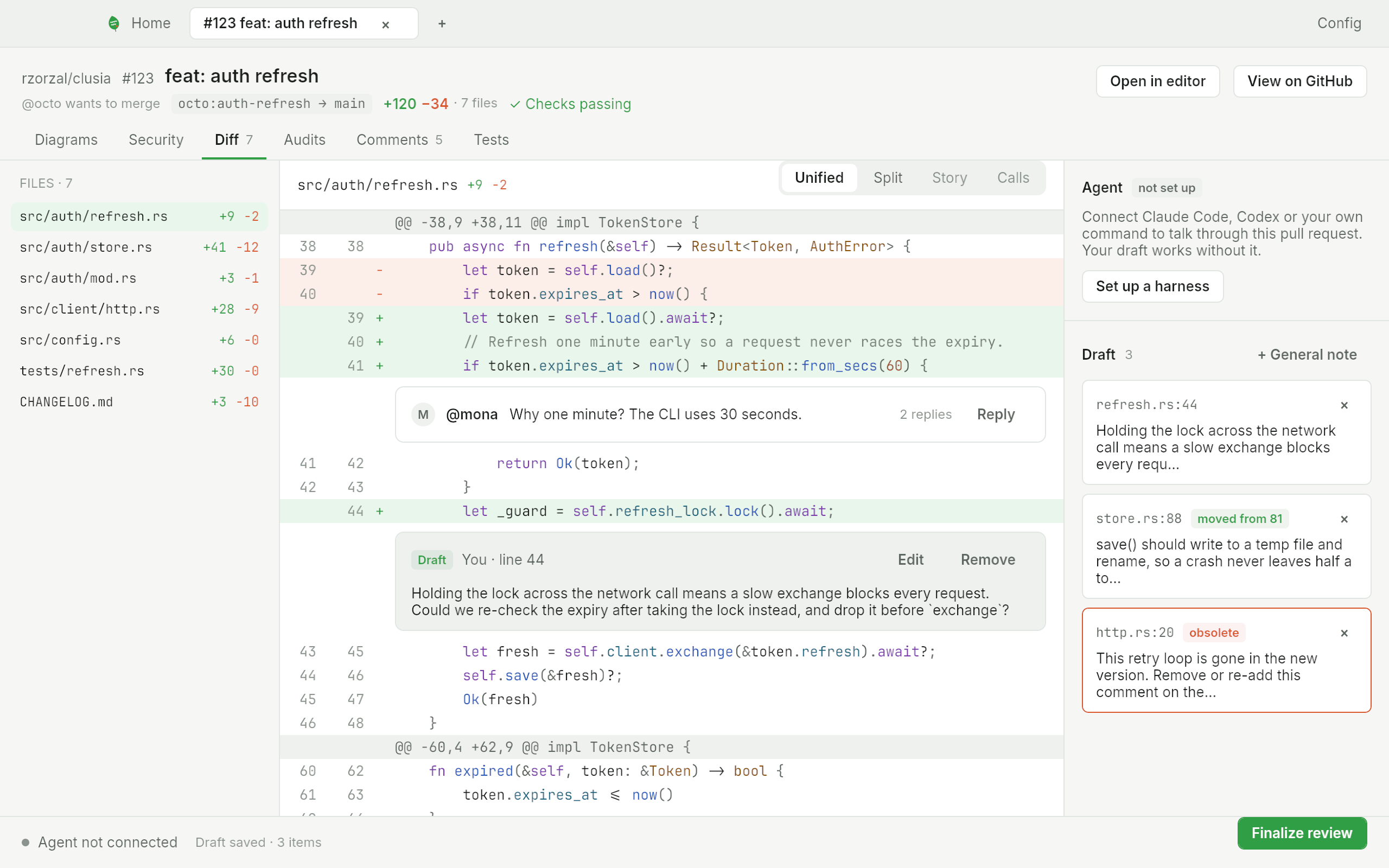
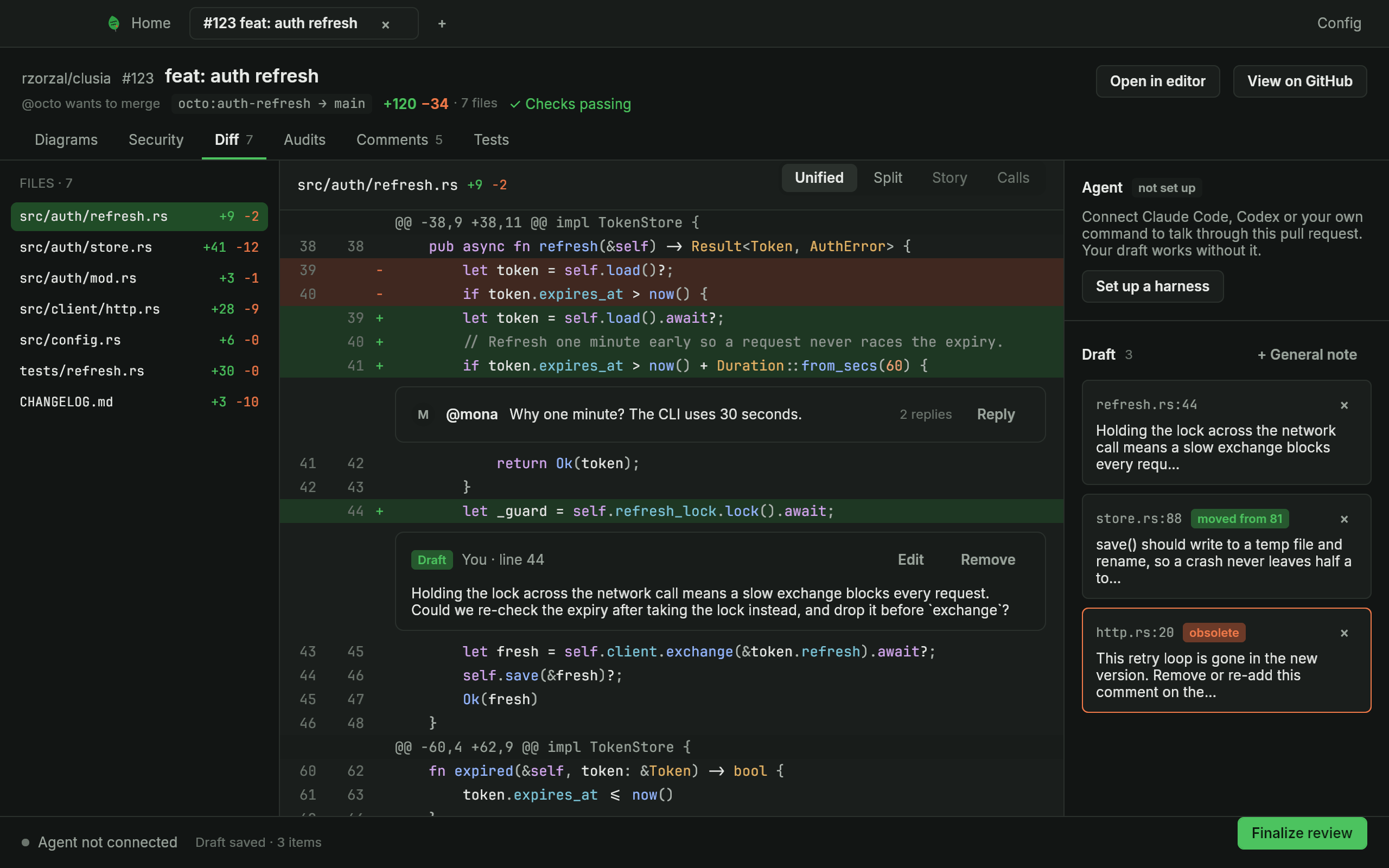
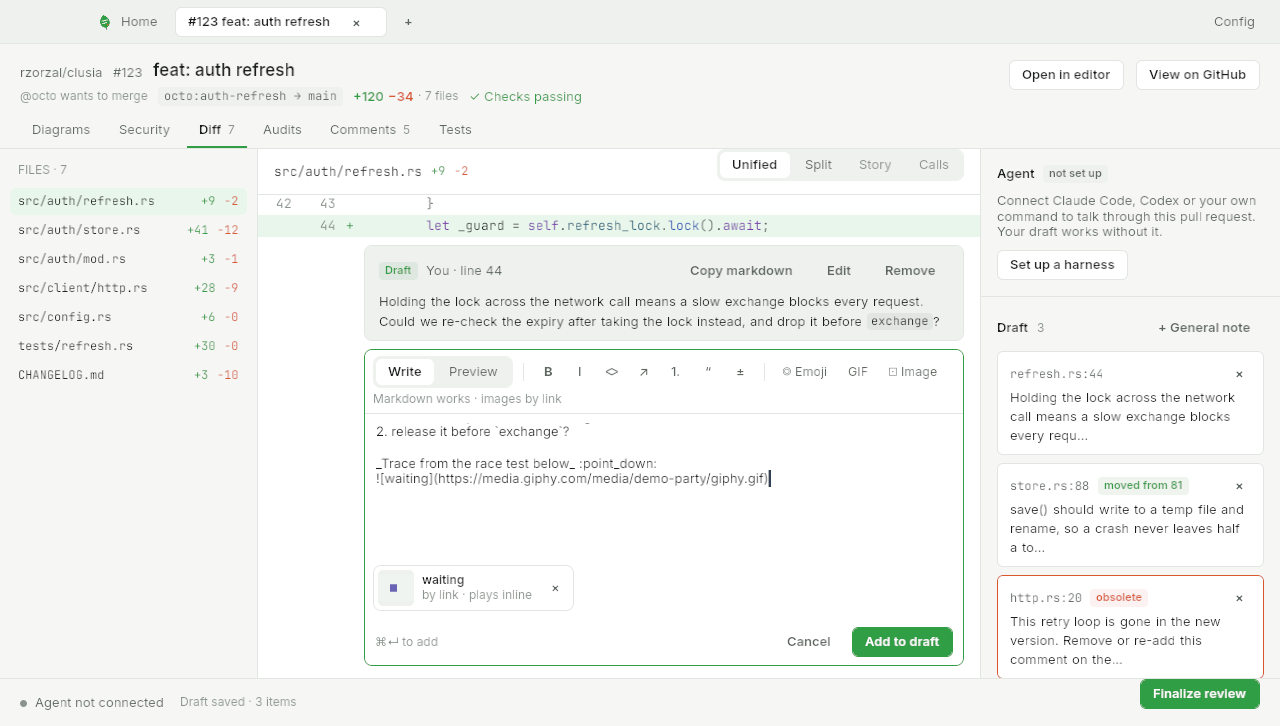
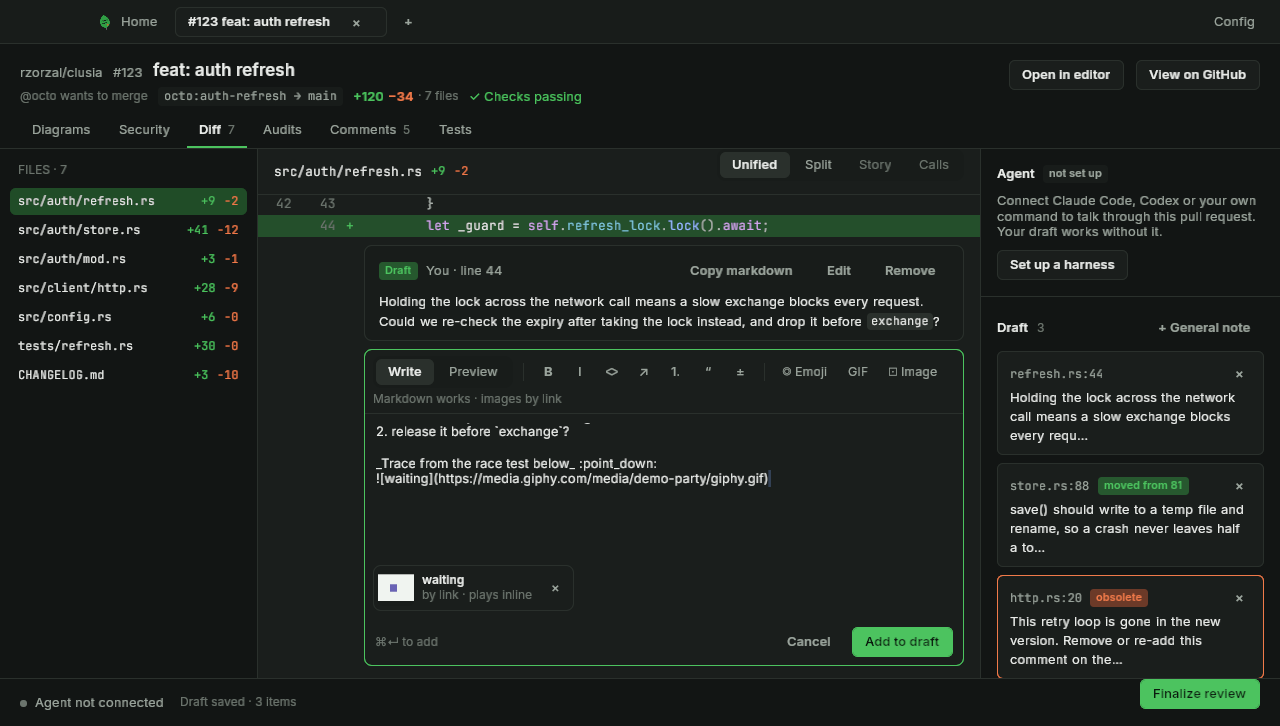
Rich comments with a preview of what GitHub will show
Comments are rich text, with a toolbar, emoji, GIFs (add a Giphy key in Config › Media) and a preview of what GitHub will show. Click a line to comment, Shift-click for a range.
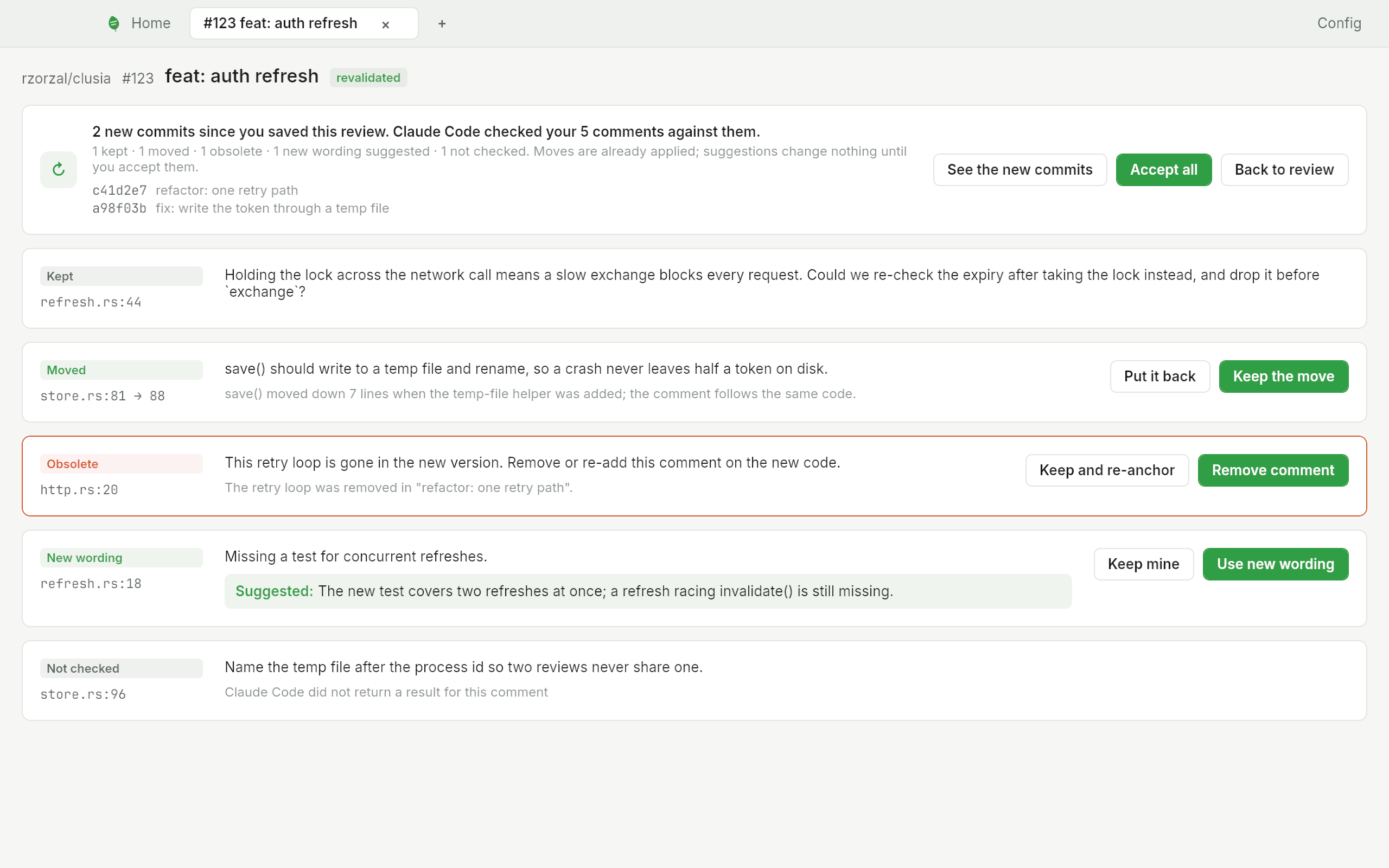
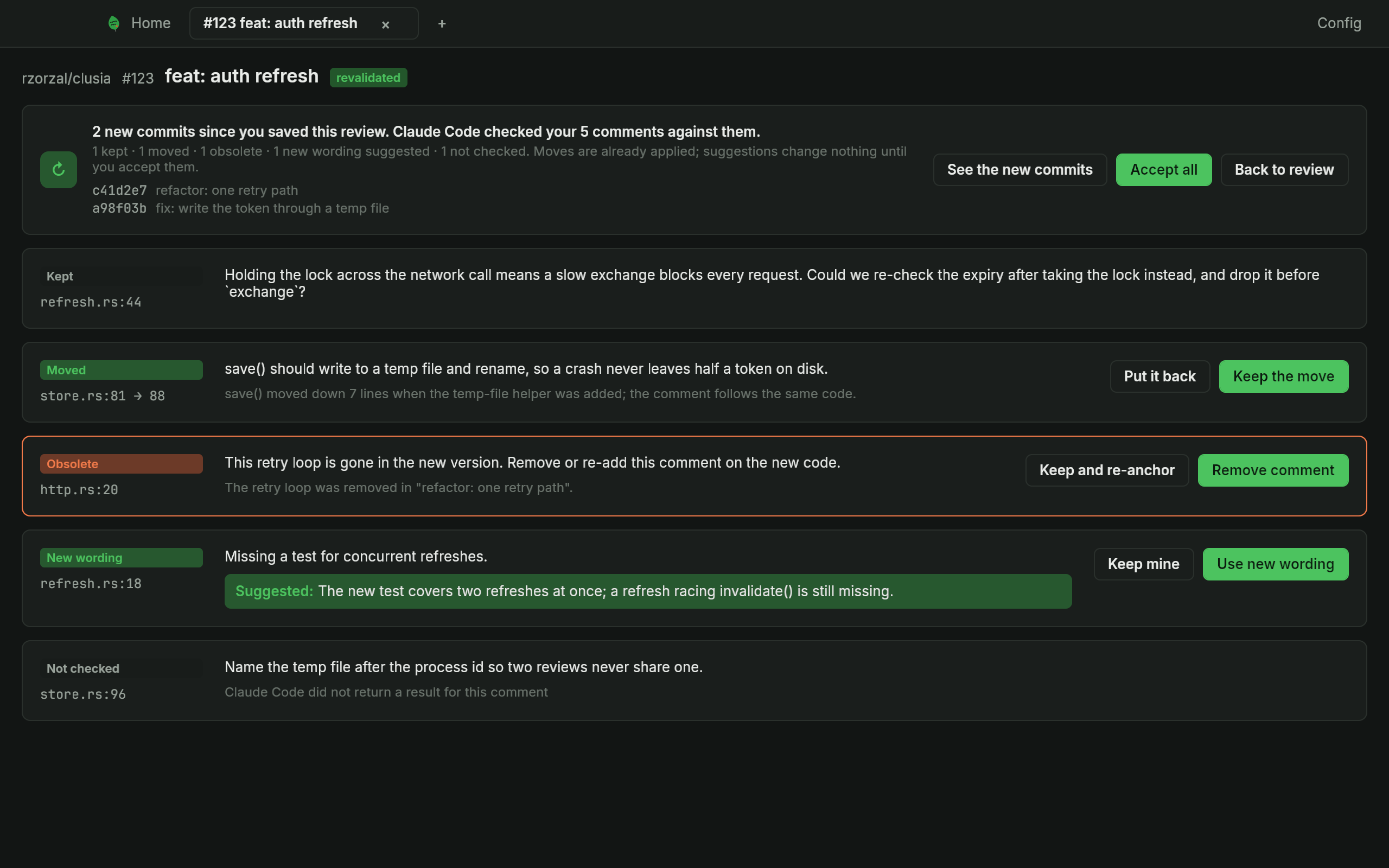
Drafts that follow the code: revalidation after new commits
When the pull request of a saved review gets new commits, Clúsia first moves your comments to where their code went. Then your Claude Code reads every comment against the new commits and proposes to keep, move, mark obsolete or reword it. Nothing changes until you click.
One review, published when you are ready
Keep everything as a draft and publish it as one GitHub review when you are ready: approve, request changes or comment.
A chat with your own agent per review
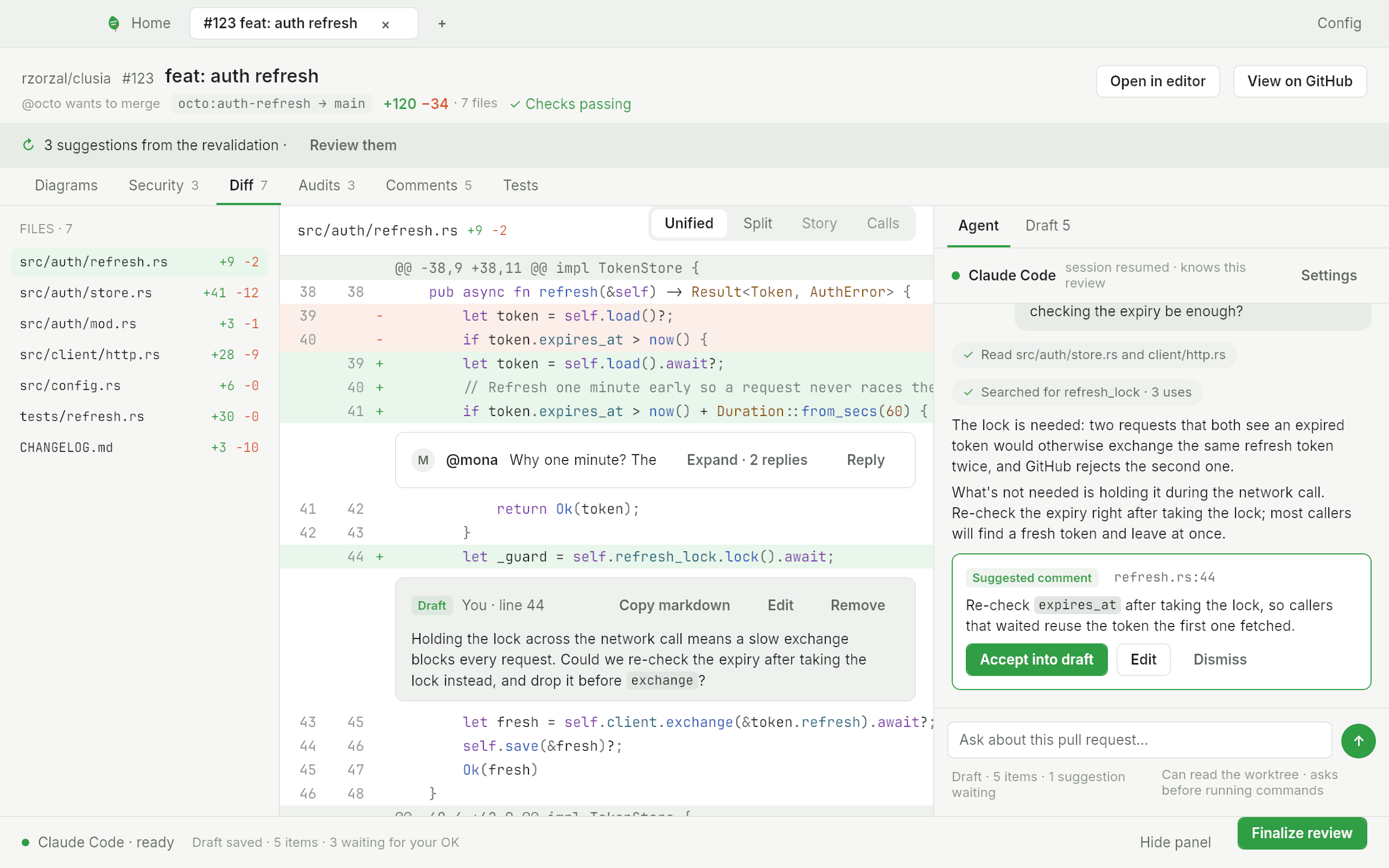
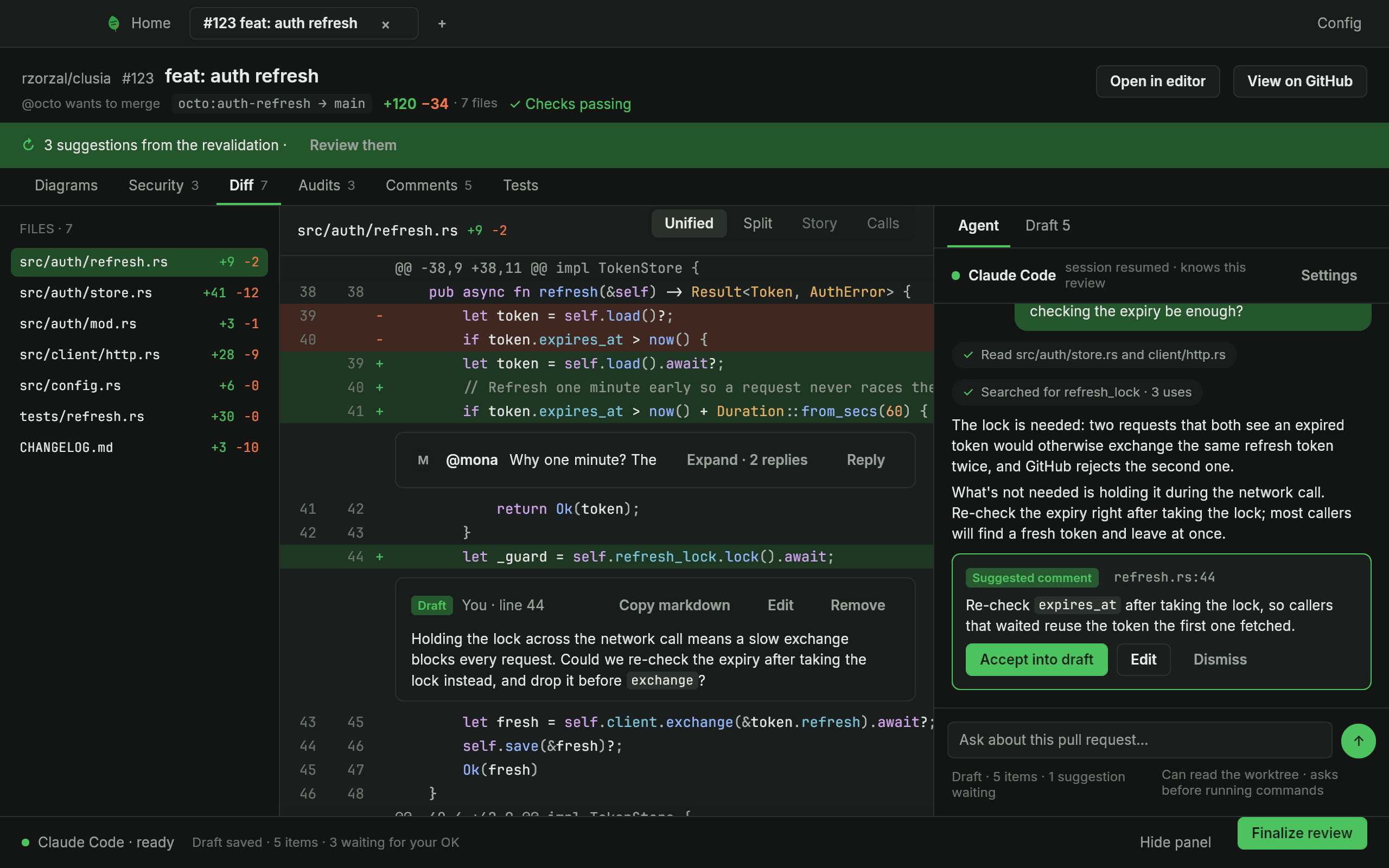
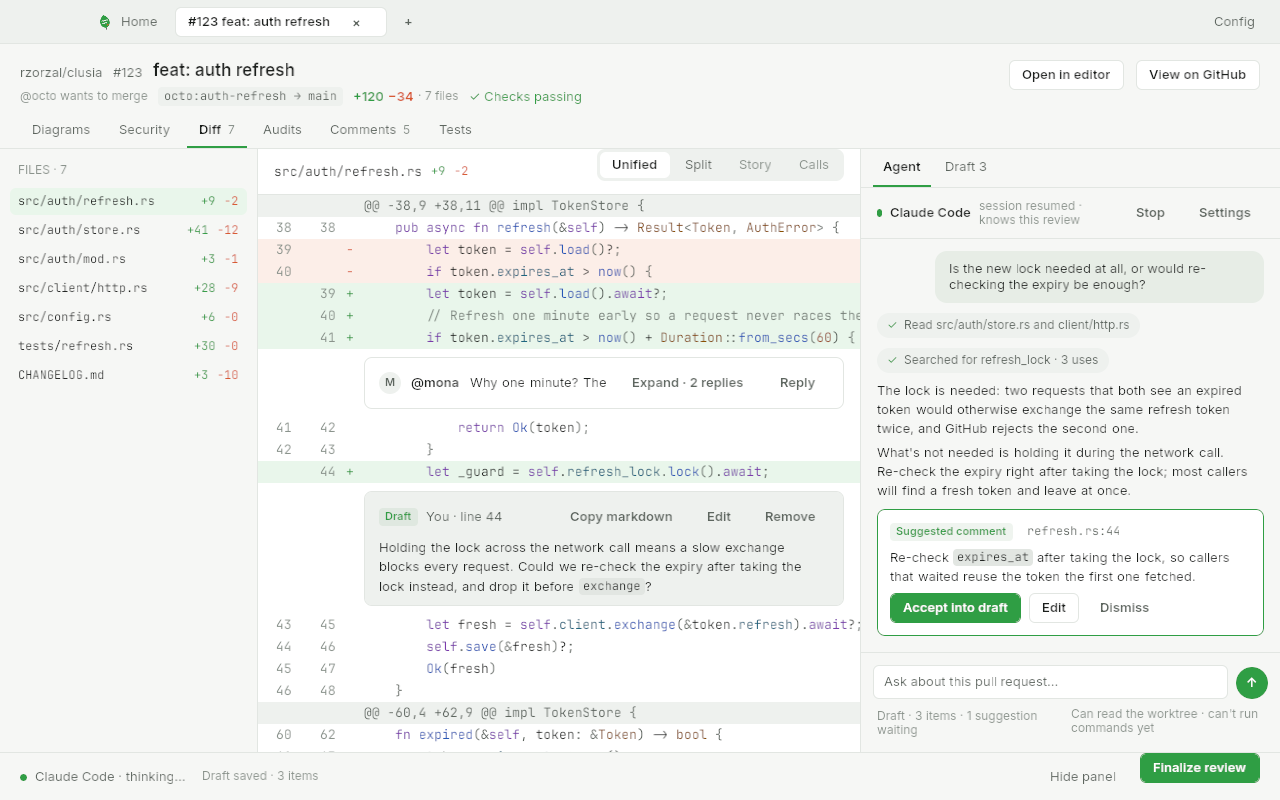
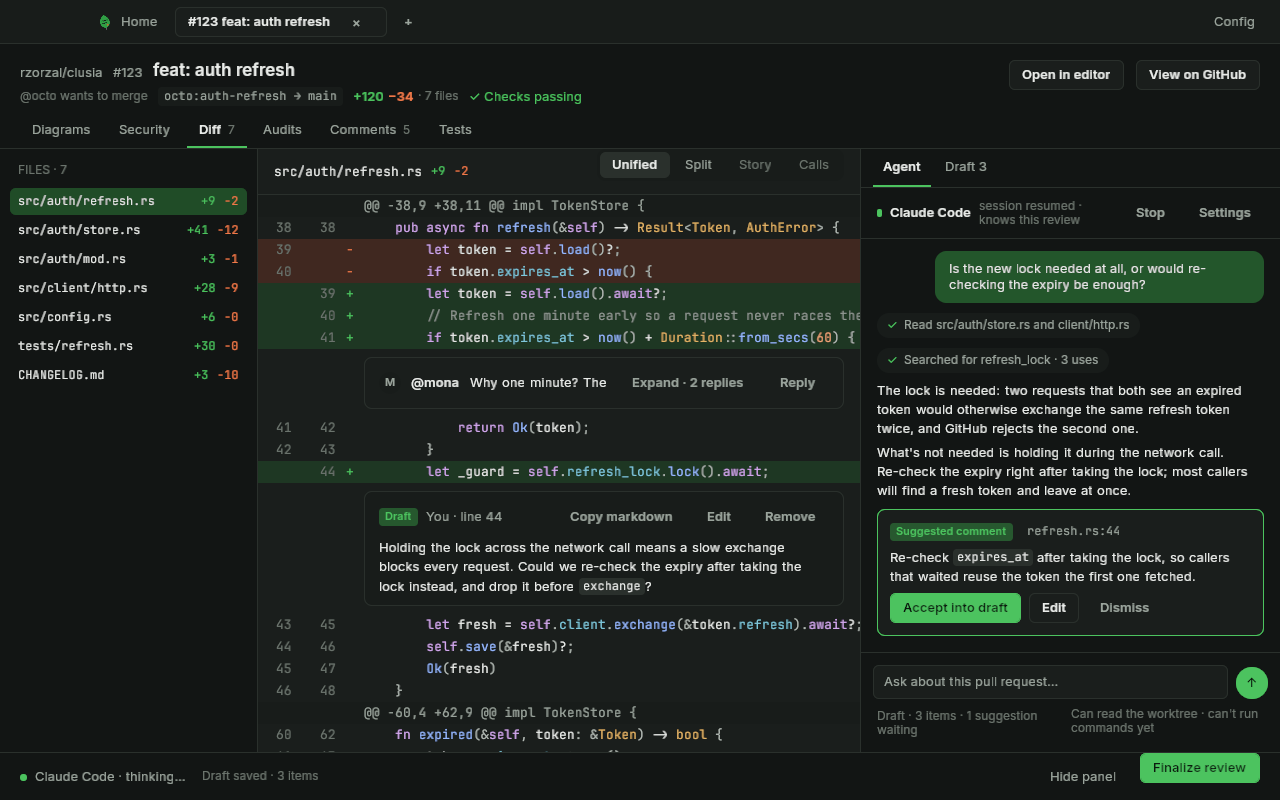
Clúsia talks to your own Claude Code, Codex or a command of your own about the pull request you are reviewing. The Agent tab starts a session and writes a summary when you open a review; the conversation goes on when you open it again.
It reads, you decide: the permission modal
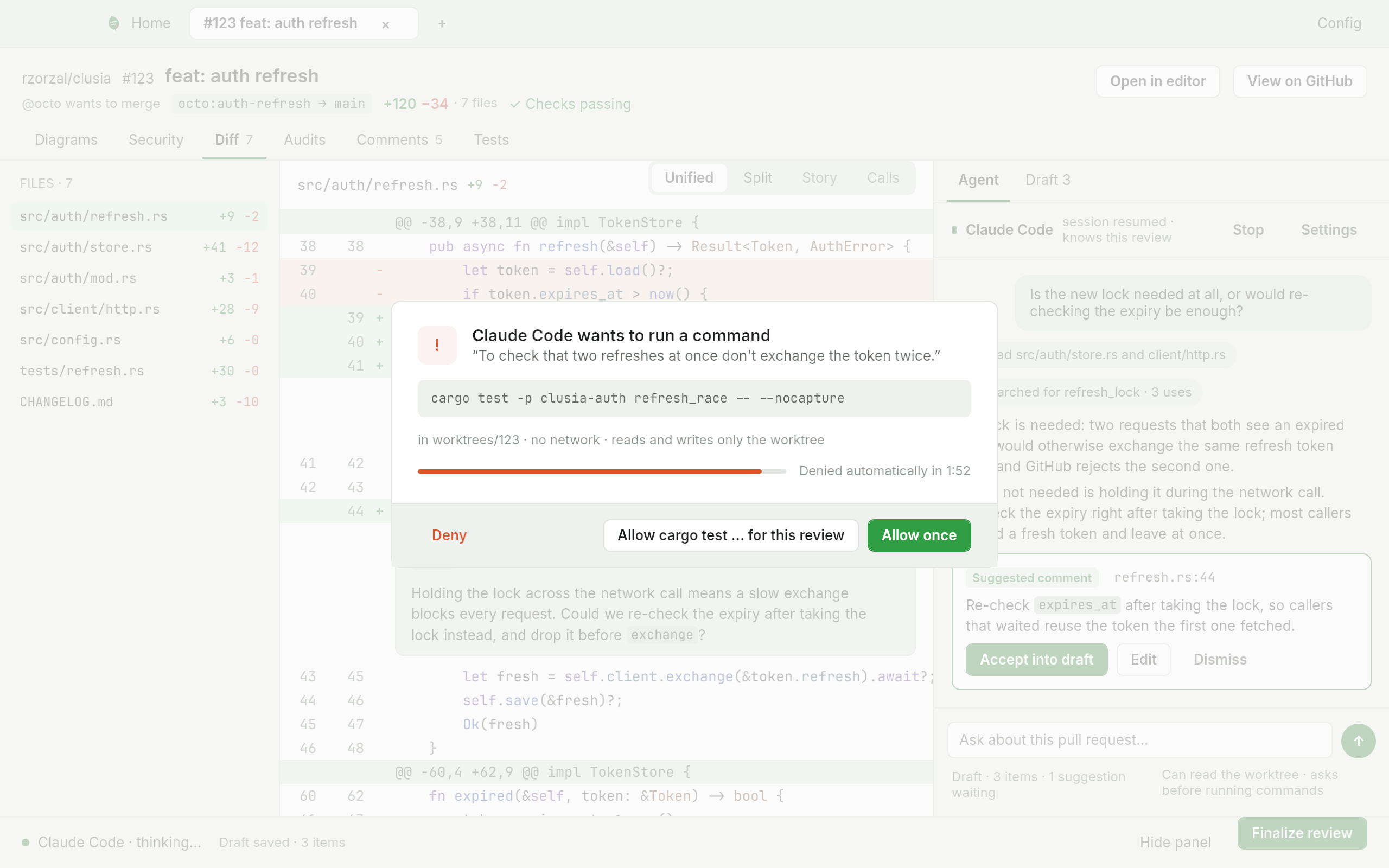
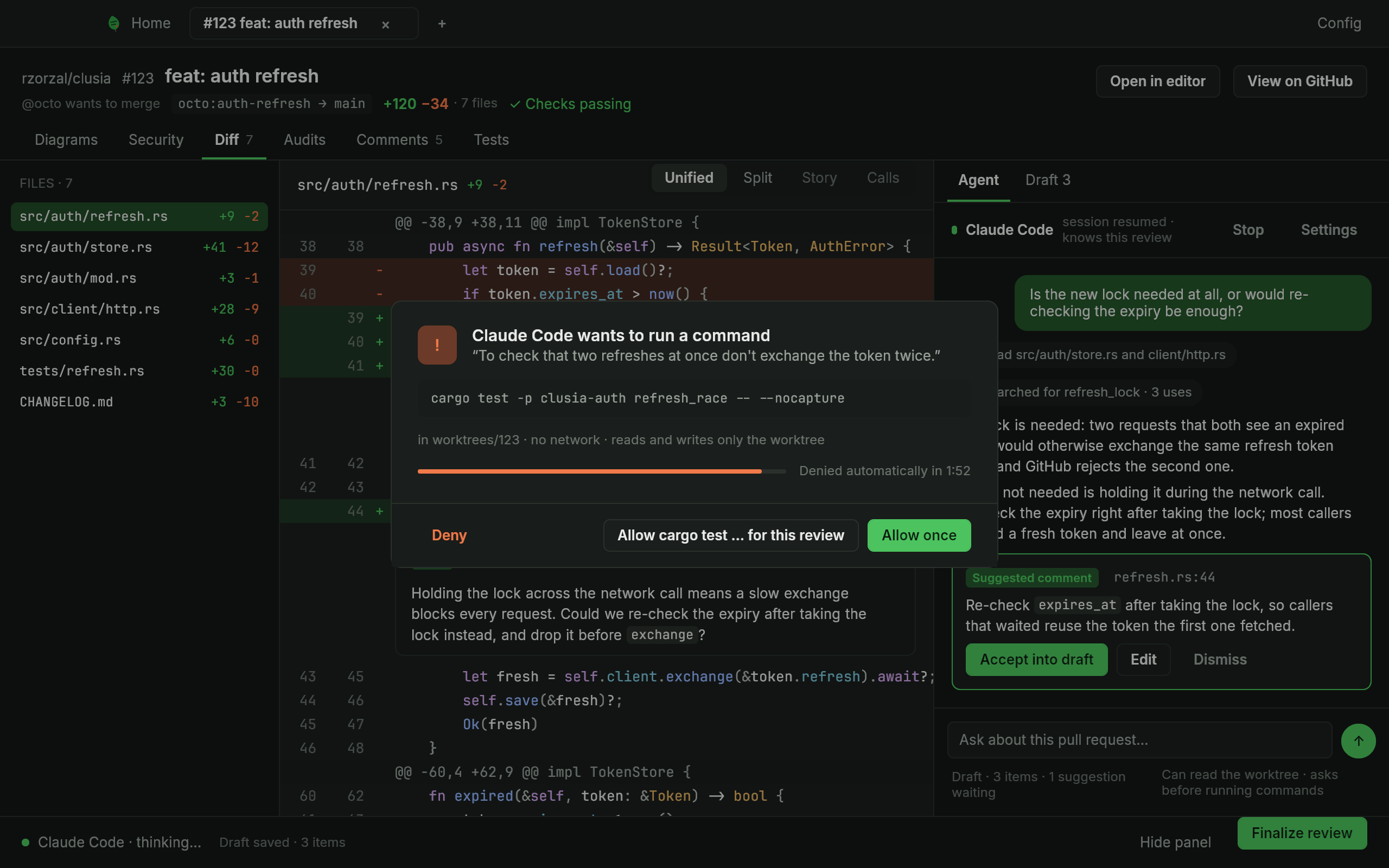
The agent reads and searches the worktree. When it wants to run a command or edit a file, a modal shows the exact command or path and the reason, and you choose Deny, Allow for this review or Allow once. No answer means deny.
Security check and audit
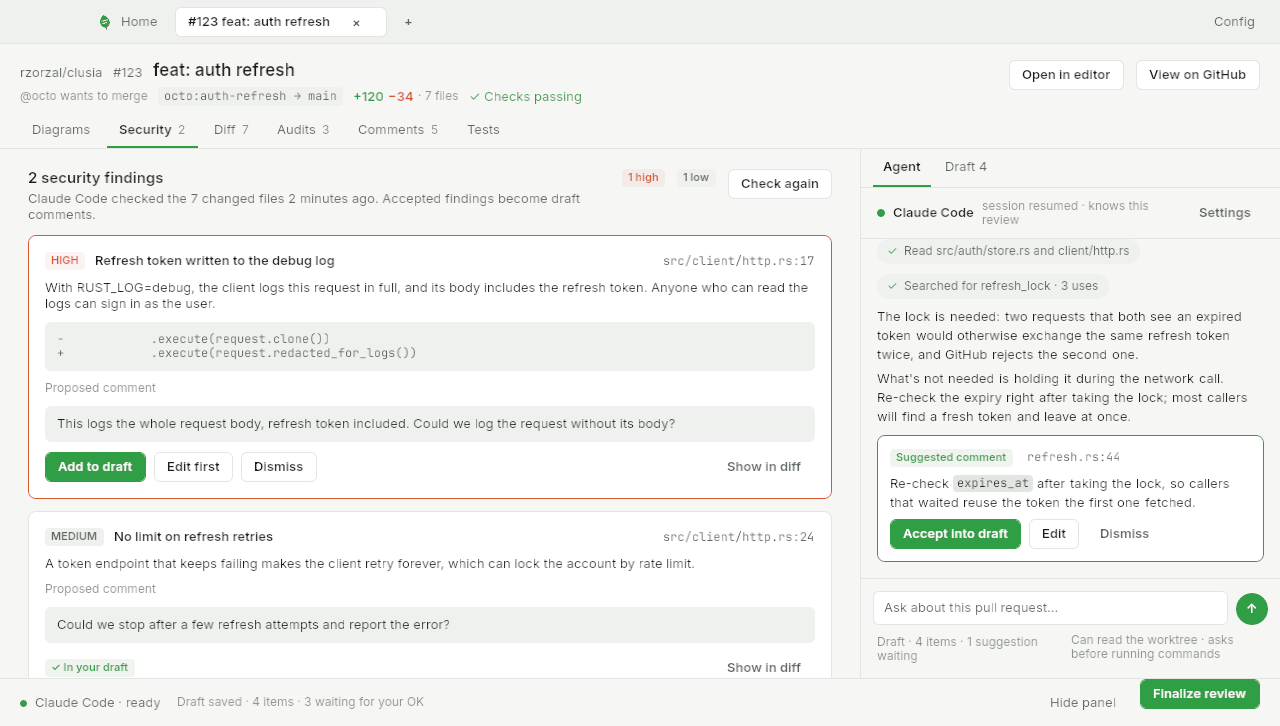
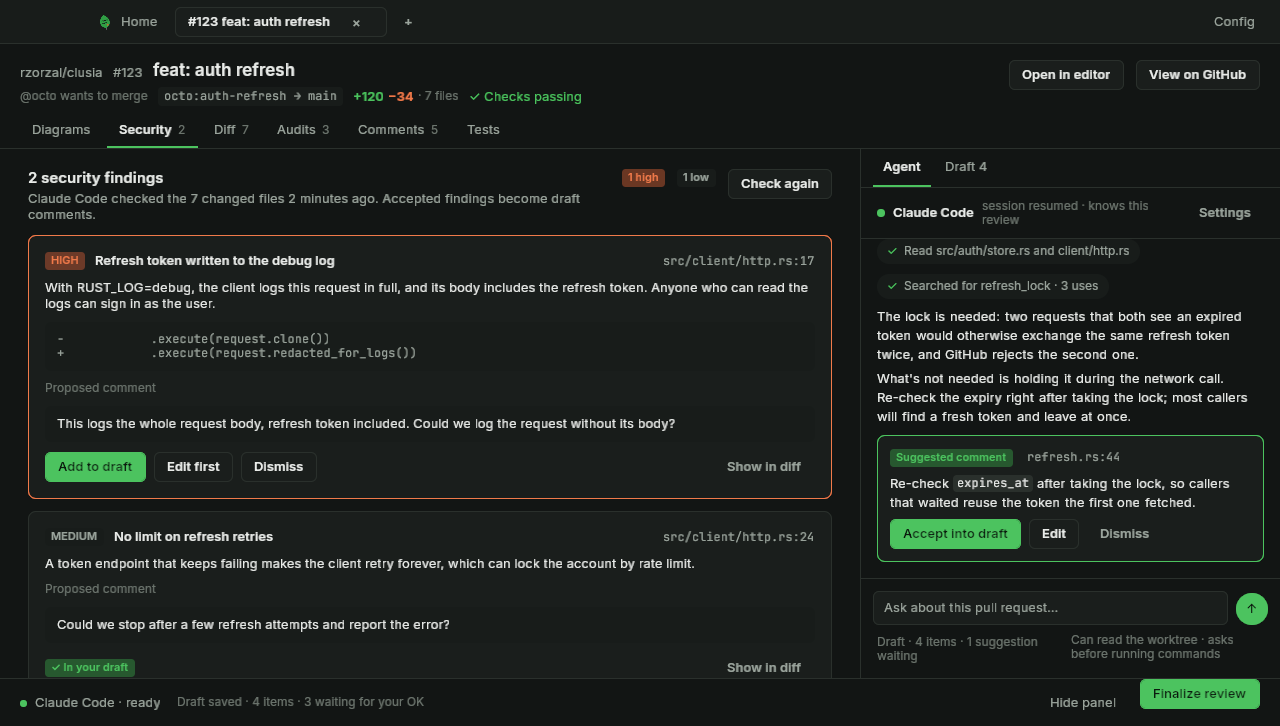
When a review opens, your Claude Code checks the change for security problems and audits it area by area. Each finding proposes a comment, and nothing joins your draft until you click.
Diagrams of the change
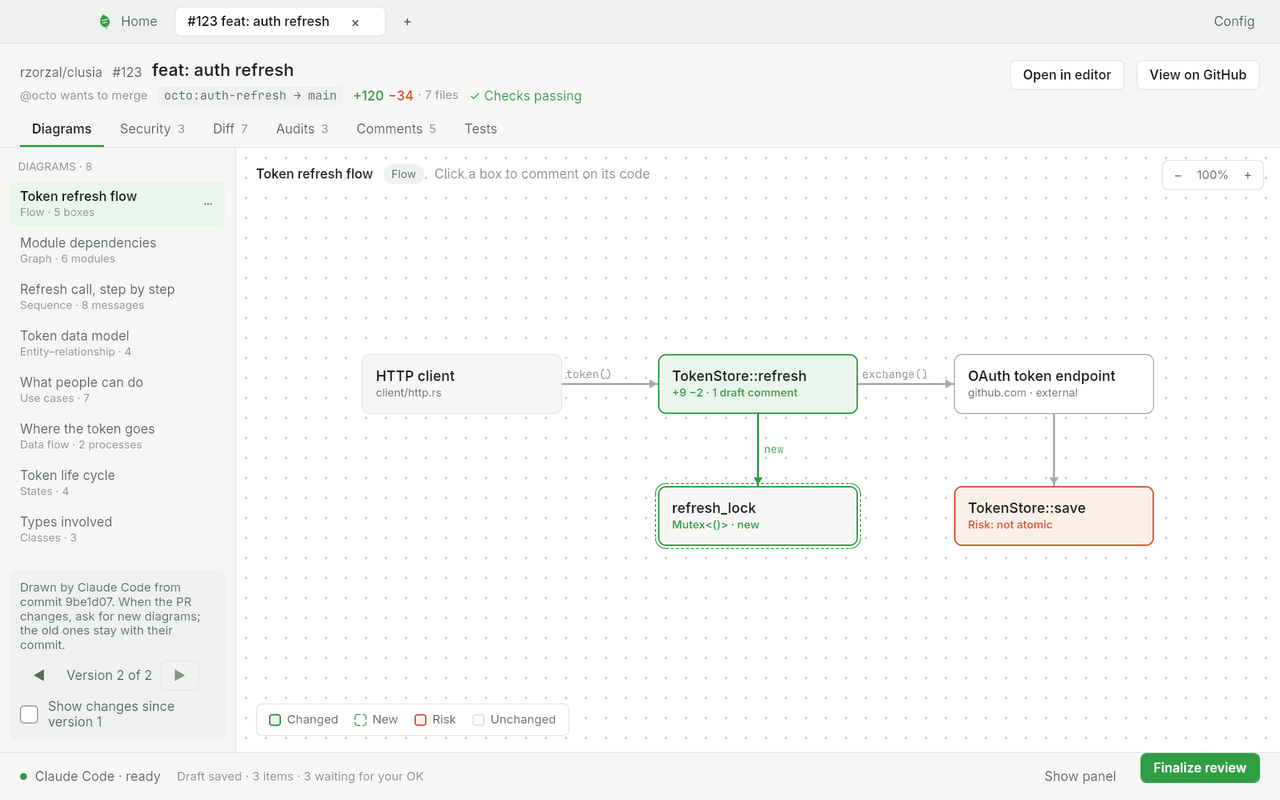
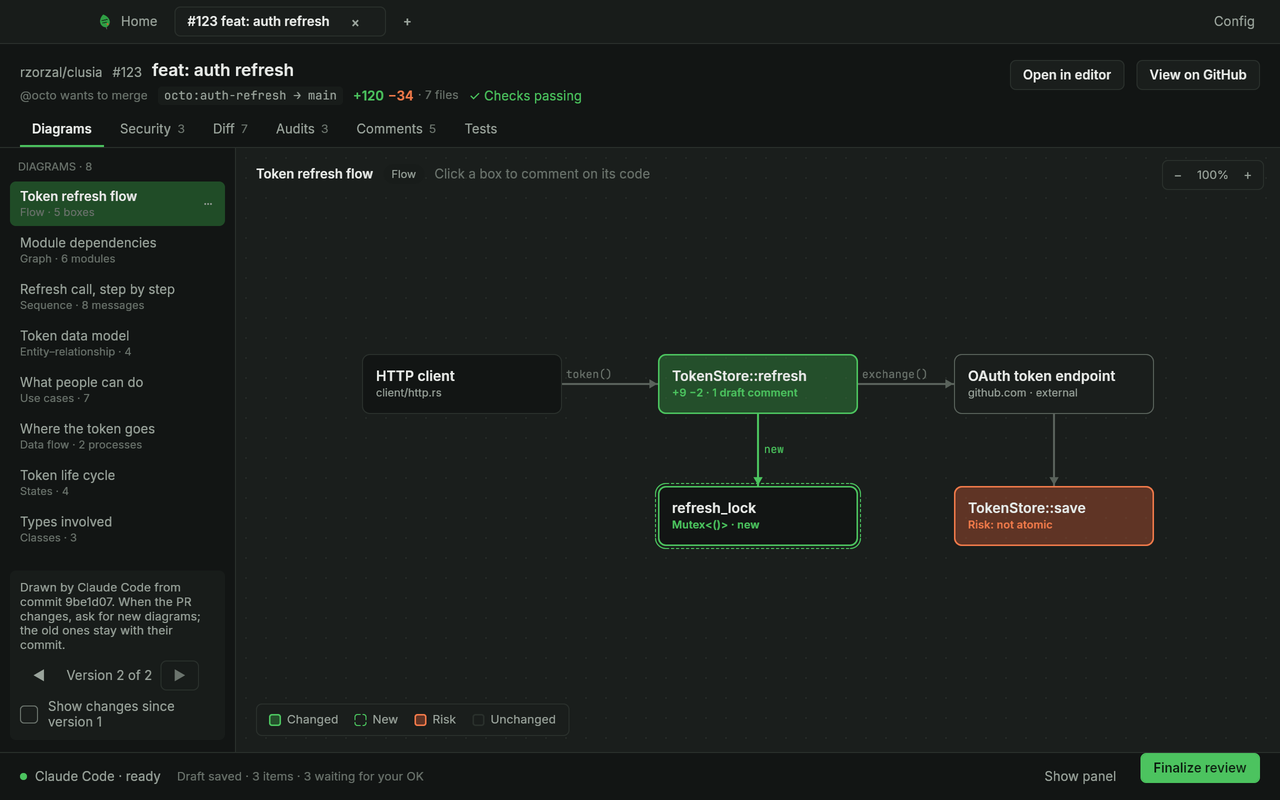
The Diagrams tab draws up to eight diagrams that explain the pull request, chosen by your agent from eight kinds. A click on a box opens its code at the commit it was drawn from.
Always at hand in the menu bar
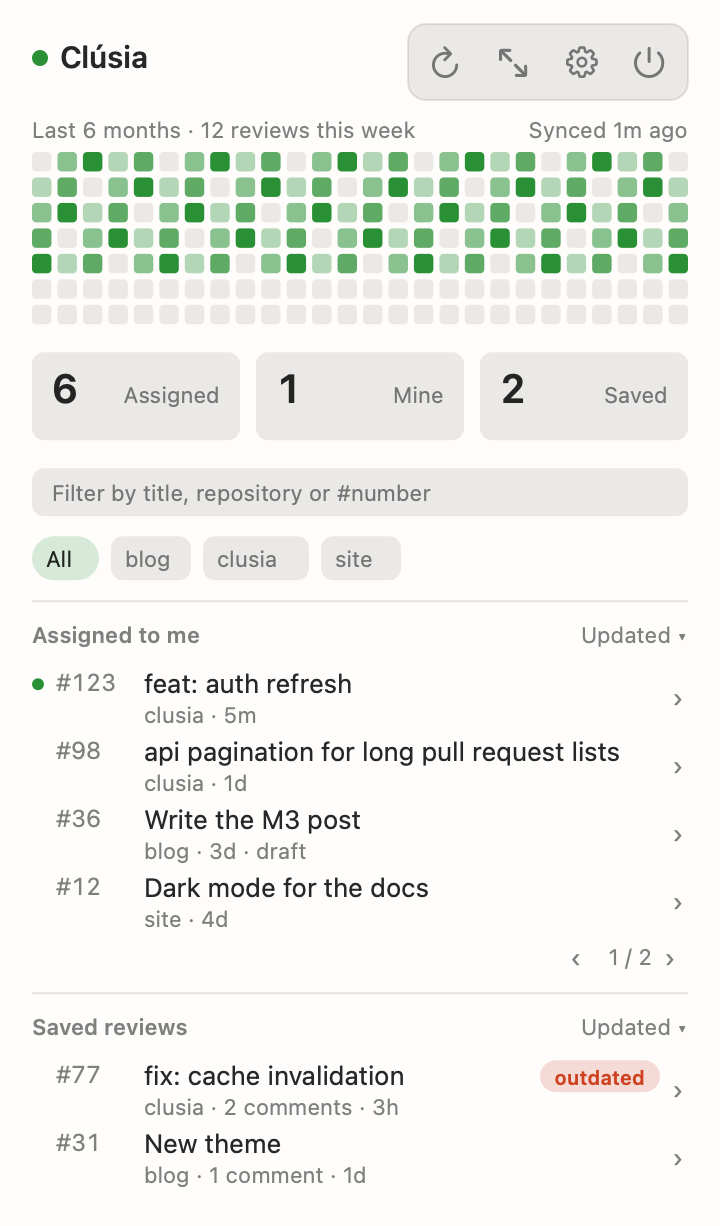
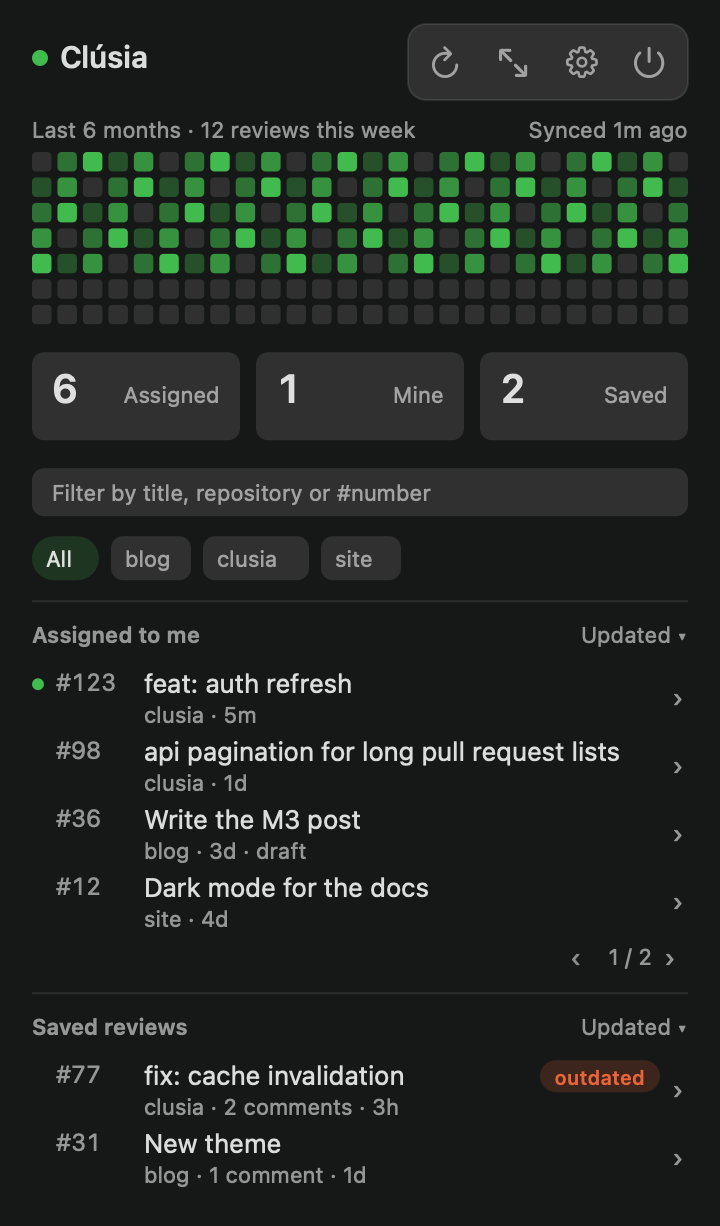
A menu bar popover shows what is waiting for you, which saved reviews went stale and how your review activity looks over the last weeks.
The clusia CLI
Run the common steps from a terminal: list your pull requests, open one, comment and publish. Add --json for machine-readable output.
clusia prs
clusia open octo/hello#7
clusia review comment octo/hello#7 src/lib.rs:42 "Is the lock needed?"
clusia review publish octo/hello#7 --verdict approve