PR Reviews for Humans
Screens
A tour of the main screens. Click one to see it large.
Showing the light/dark screens — they follow your clock.
curl -fsSL https://raw.githubusercontent.com/rzorzal/clusia/main/install.sh | bash-
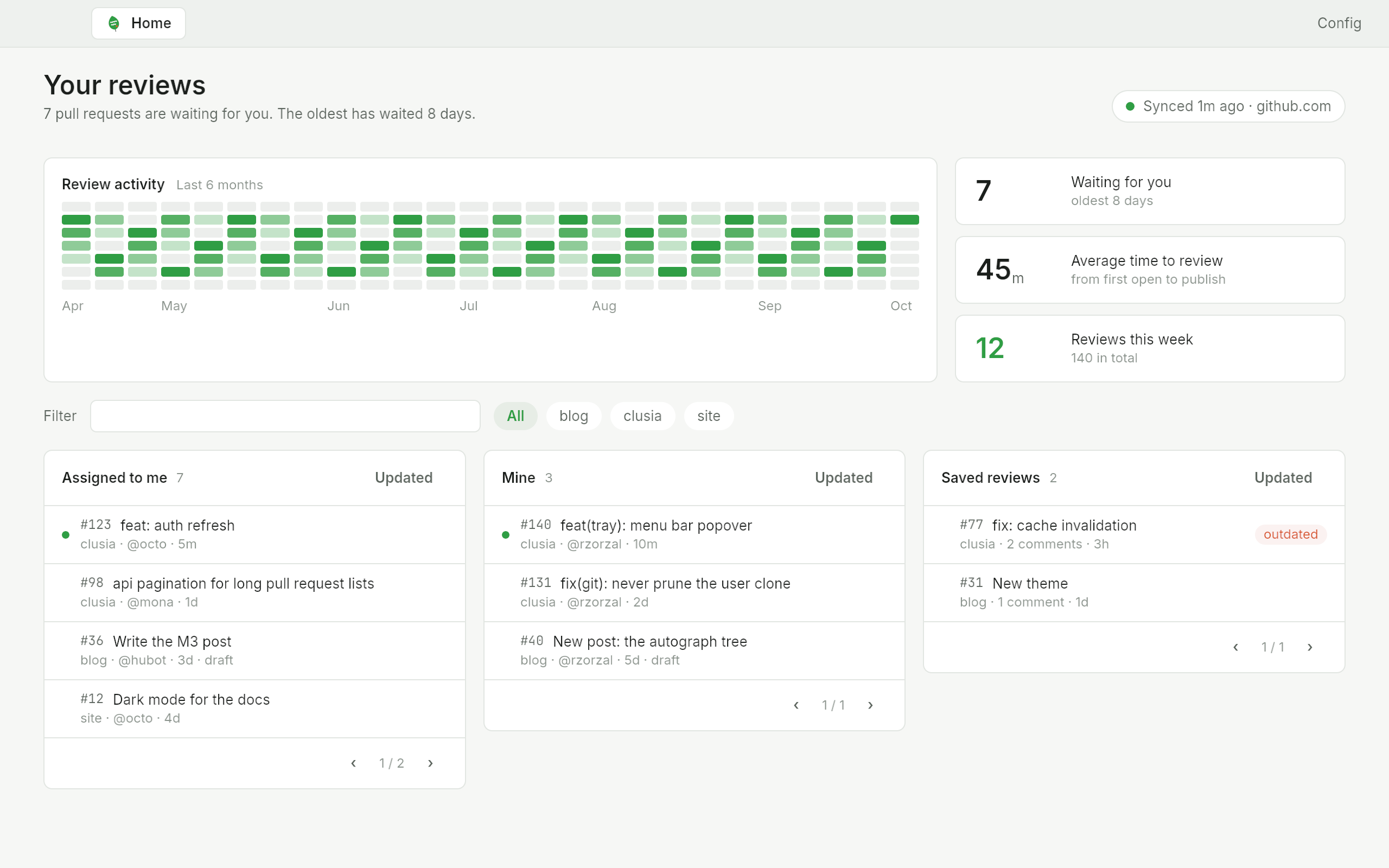
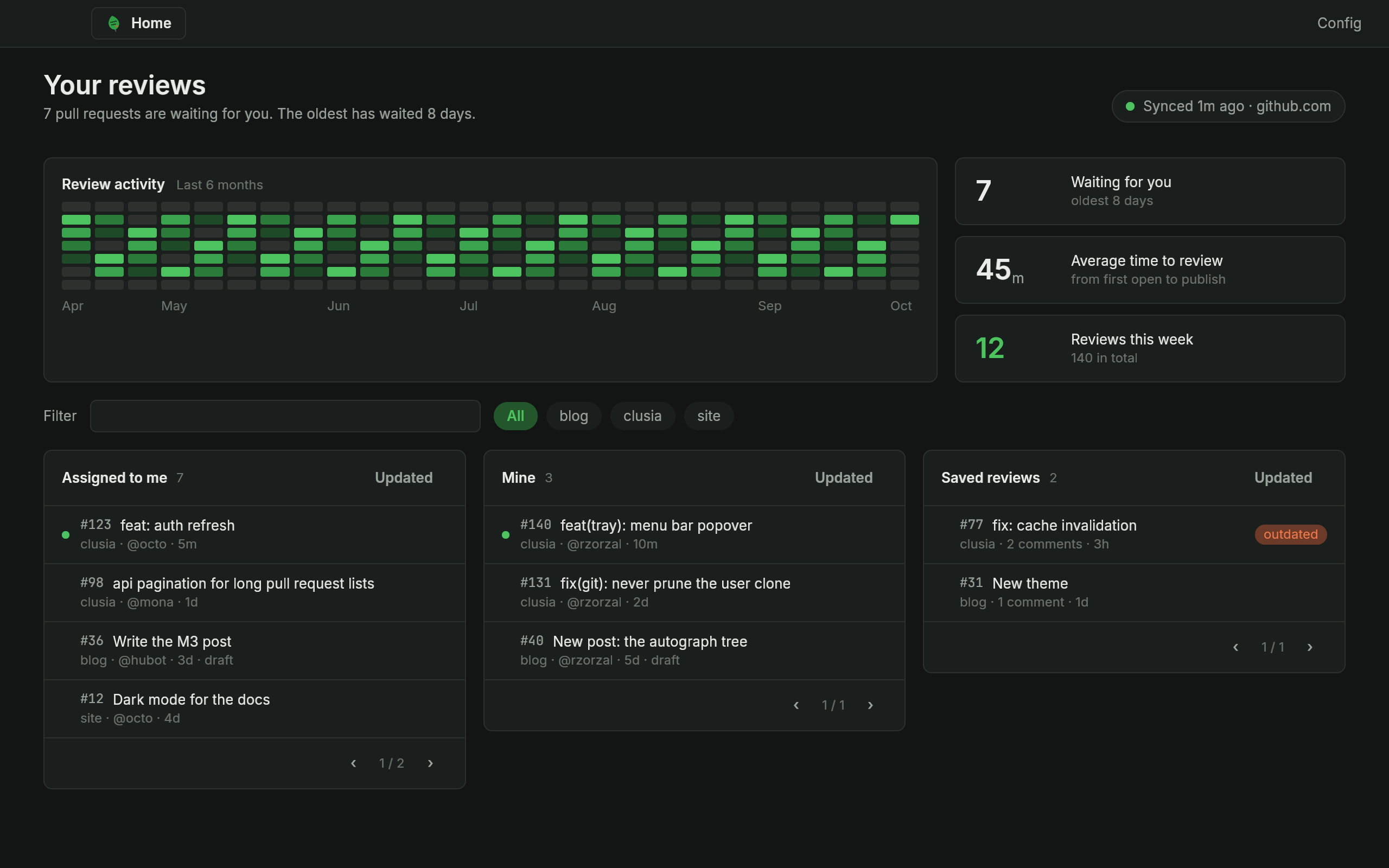
Your reviews: review activity, counters, and lists of pull requests and saved reviews -
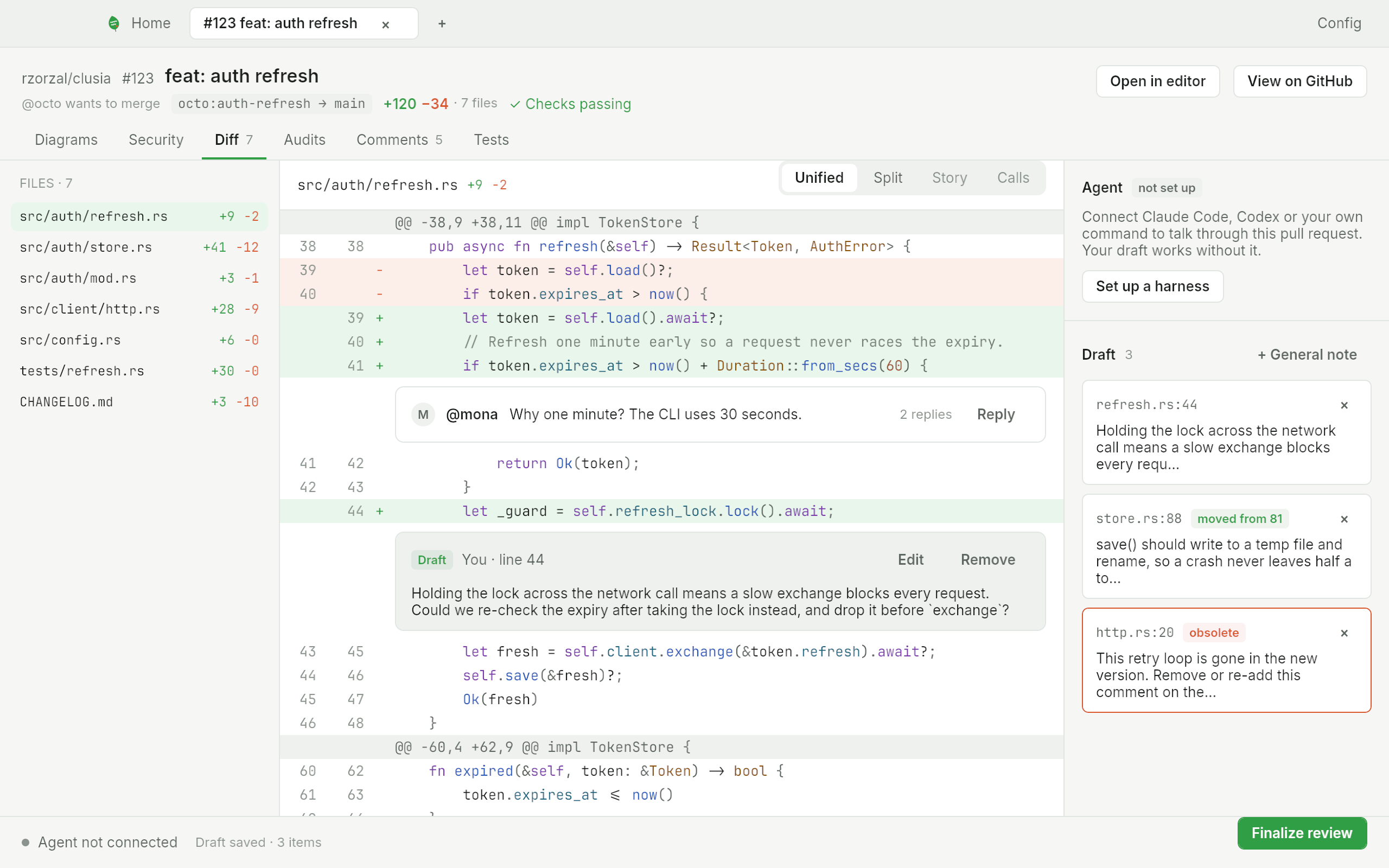
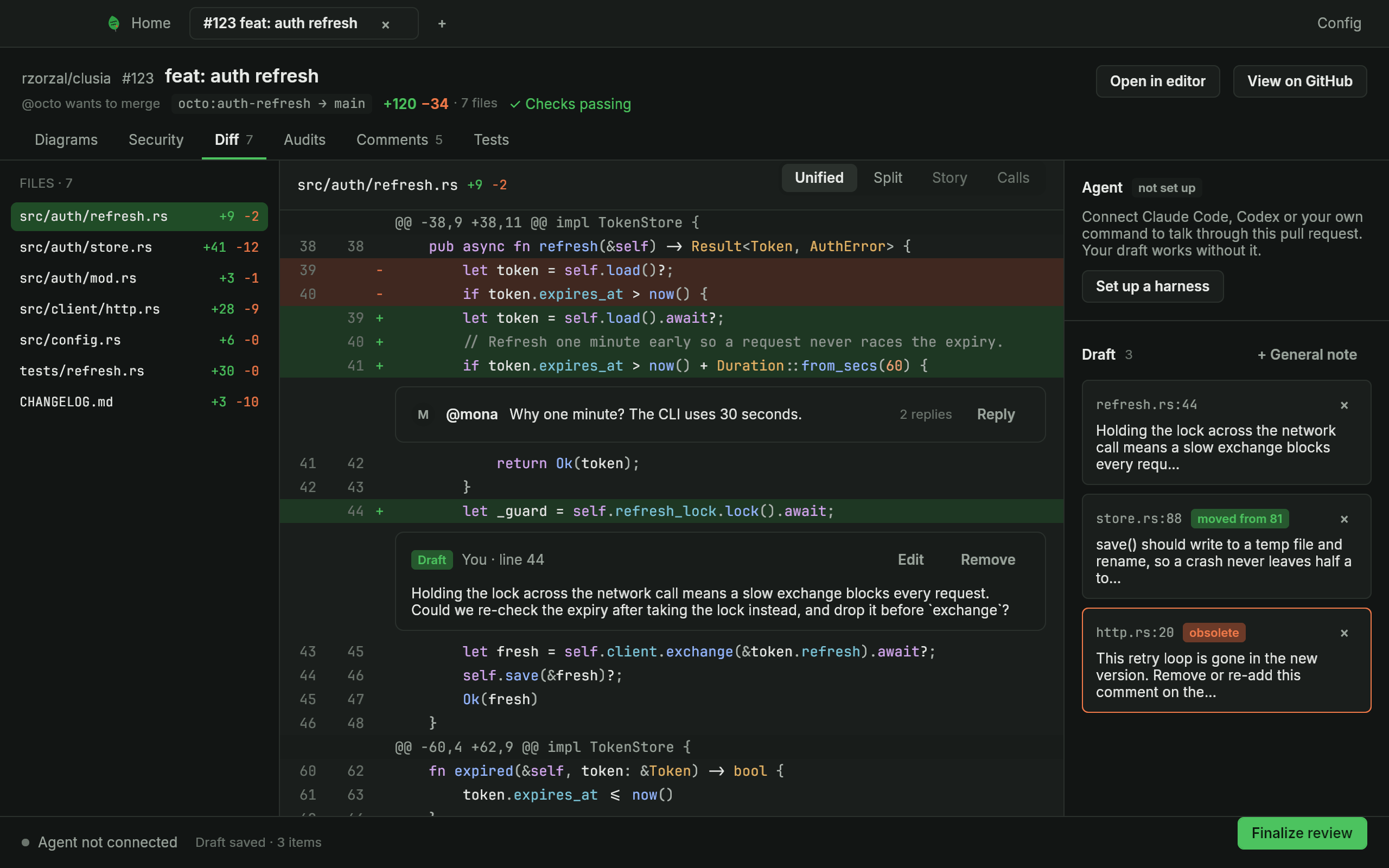
The review screen with a diff, a thread and the draft panel -
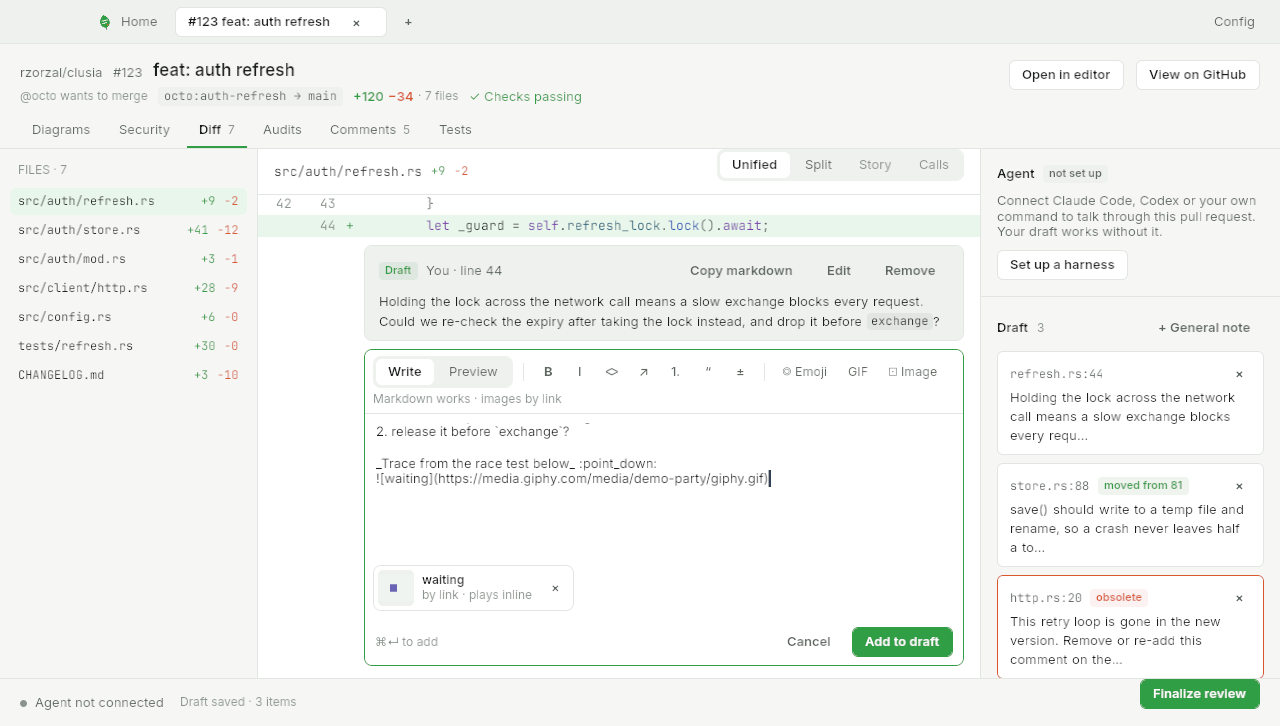
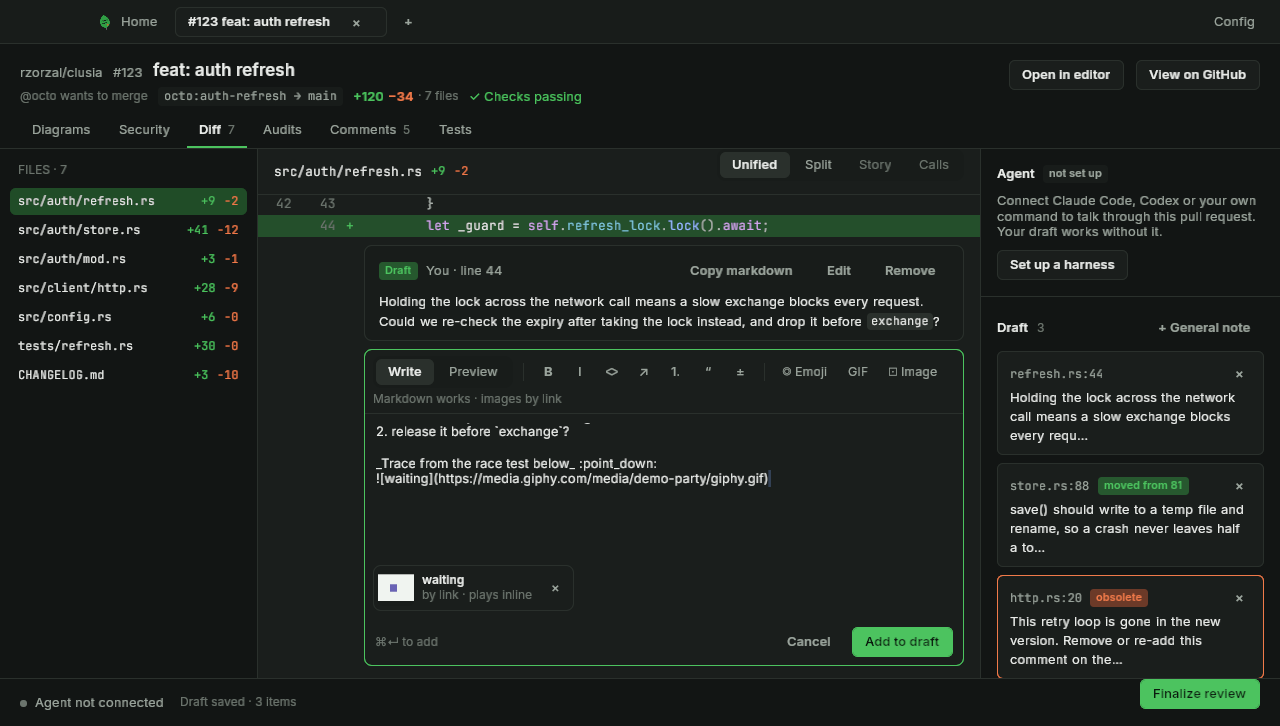
The comment composer with its toolbar and a preview of what GitHub will show -
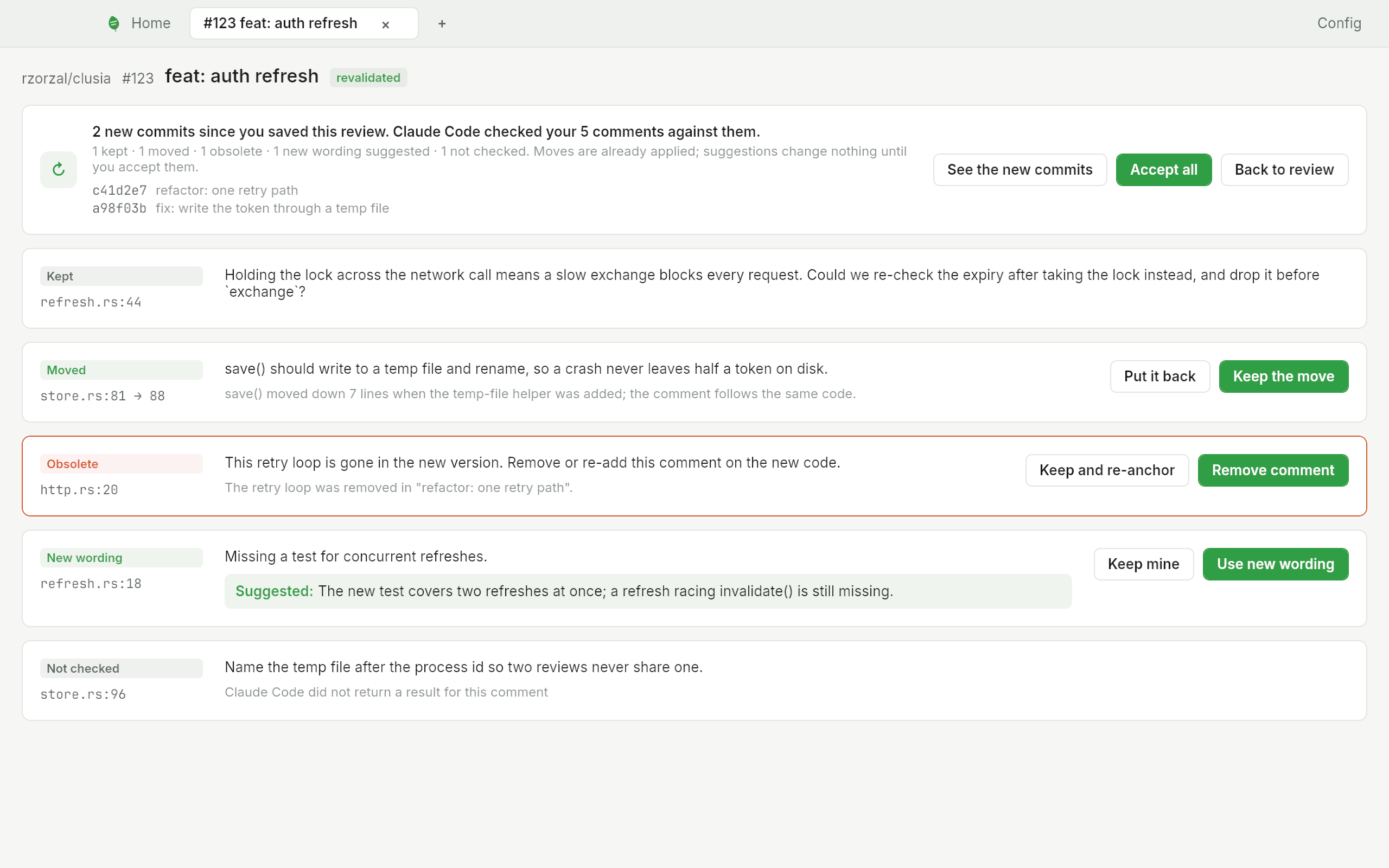
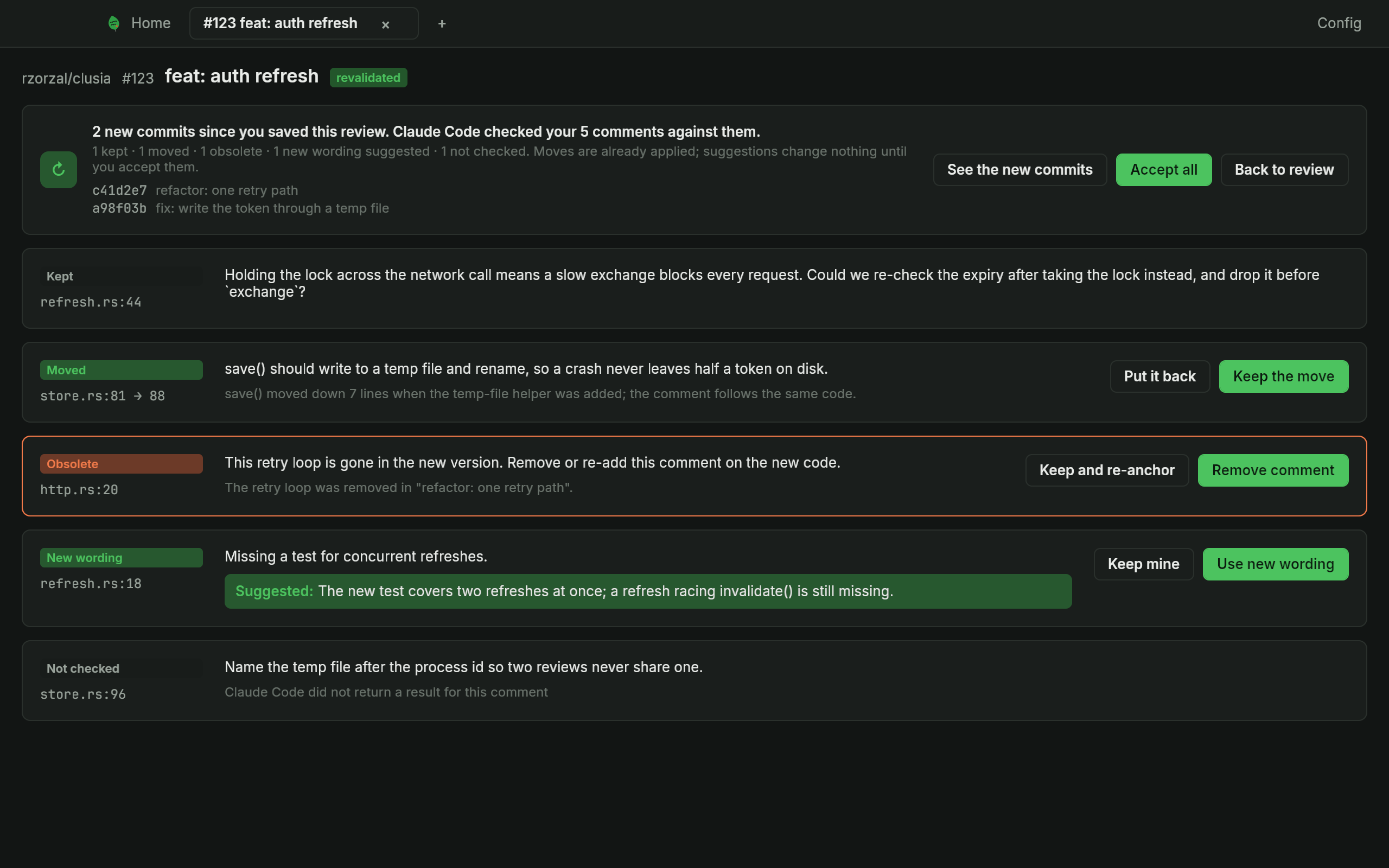
The revalidation screen, a row per comment with its proposal -
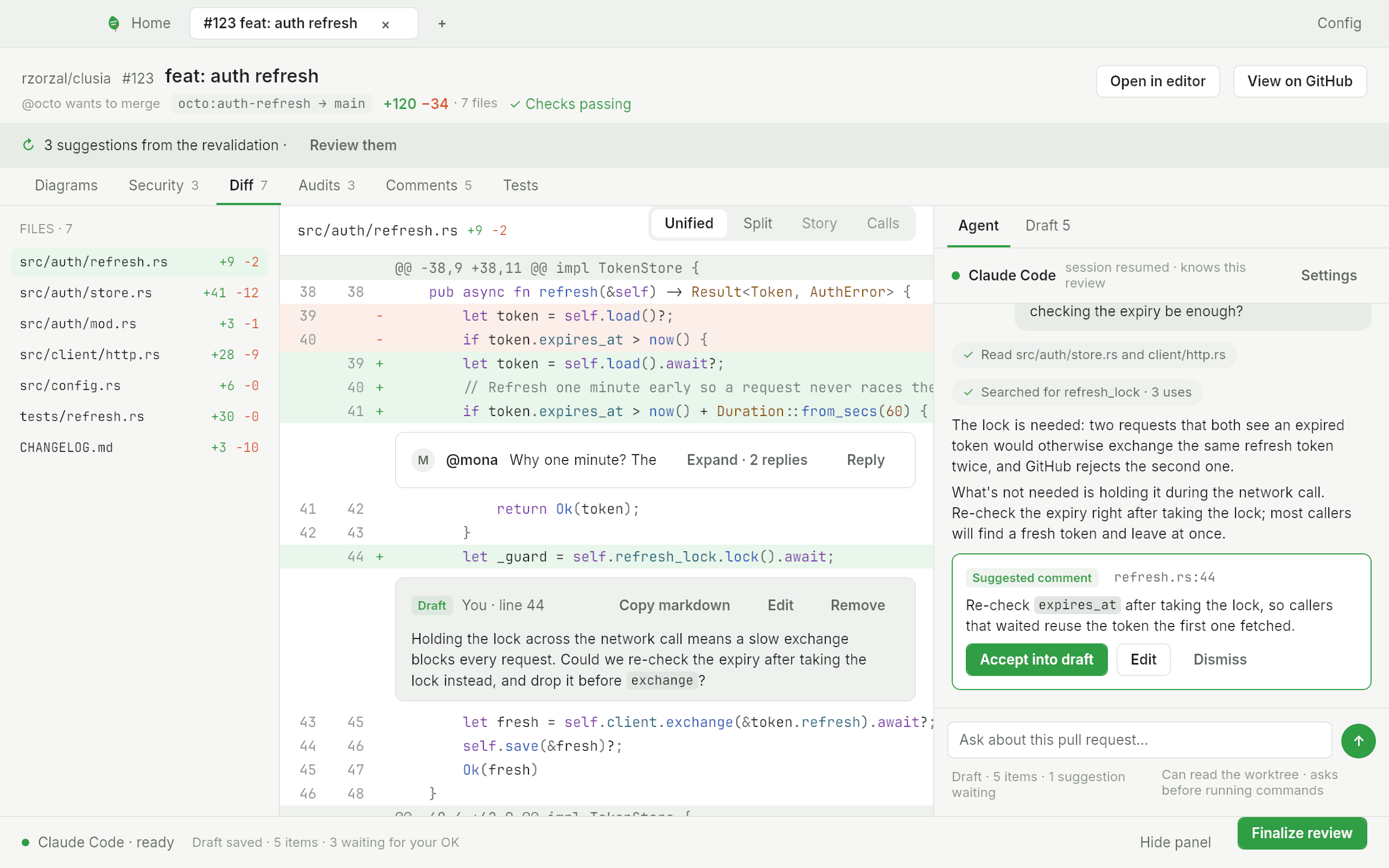
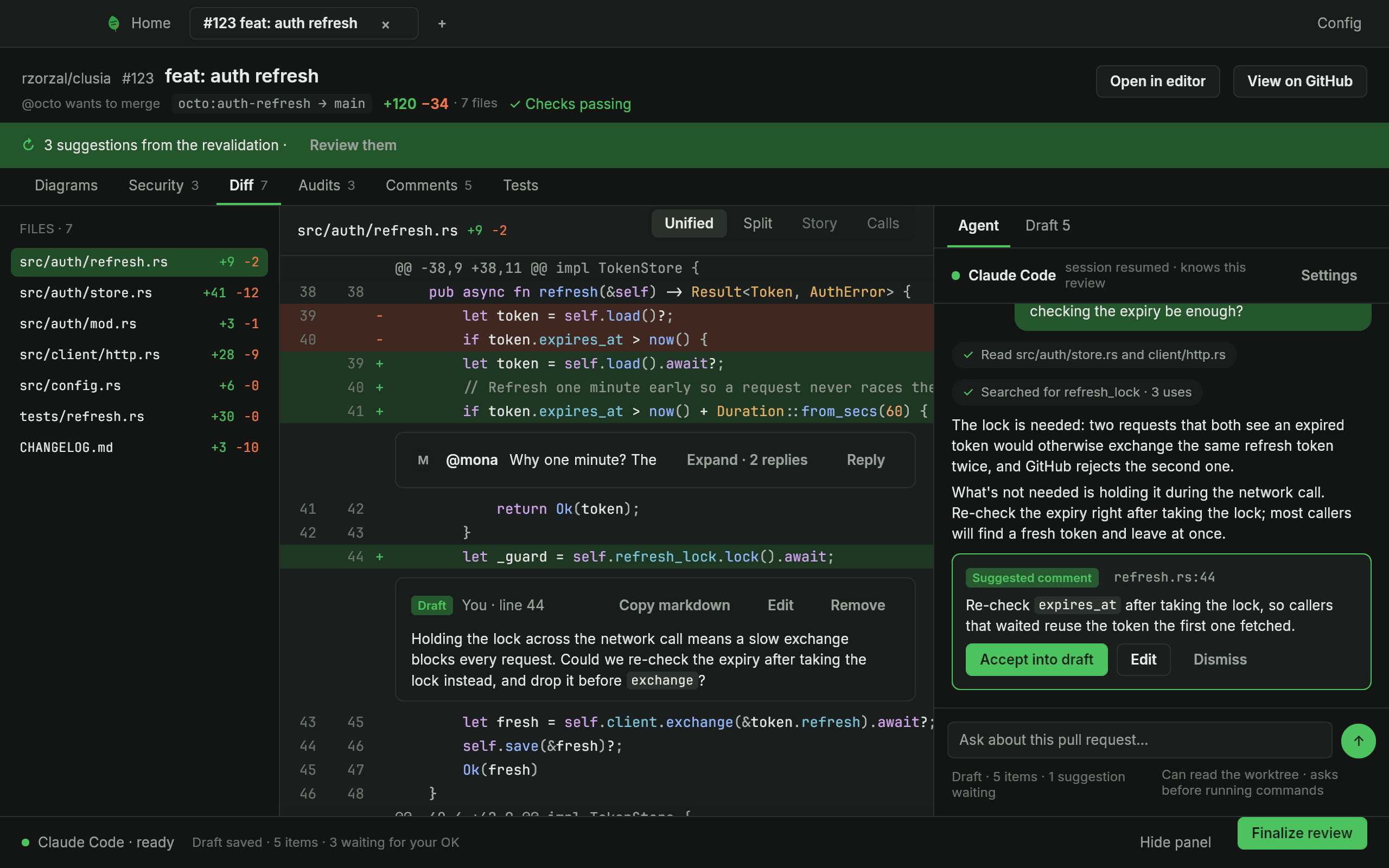
The Diff with a banner offering the suggestions from the revalidation -
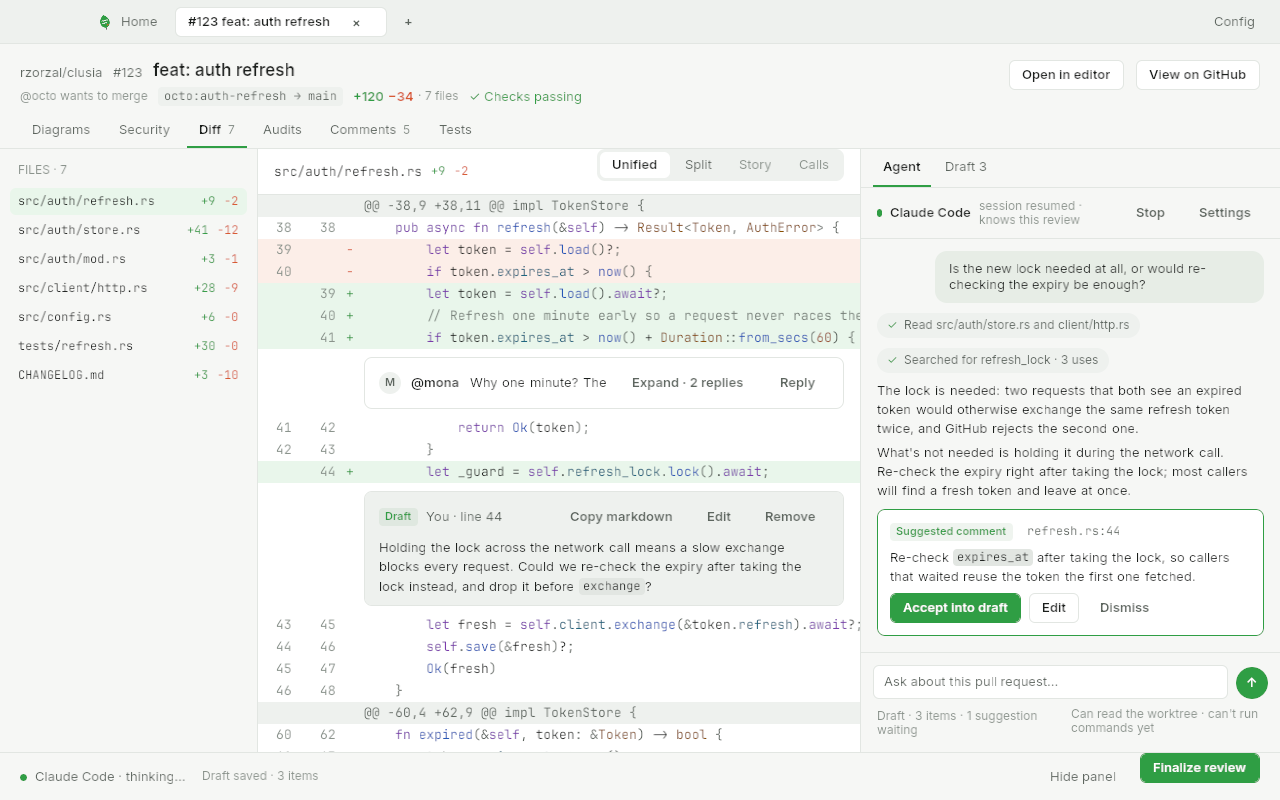
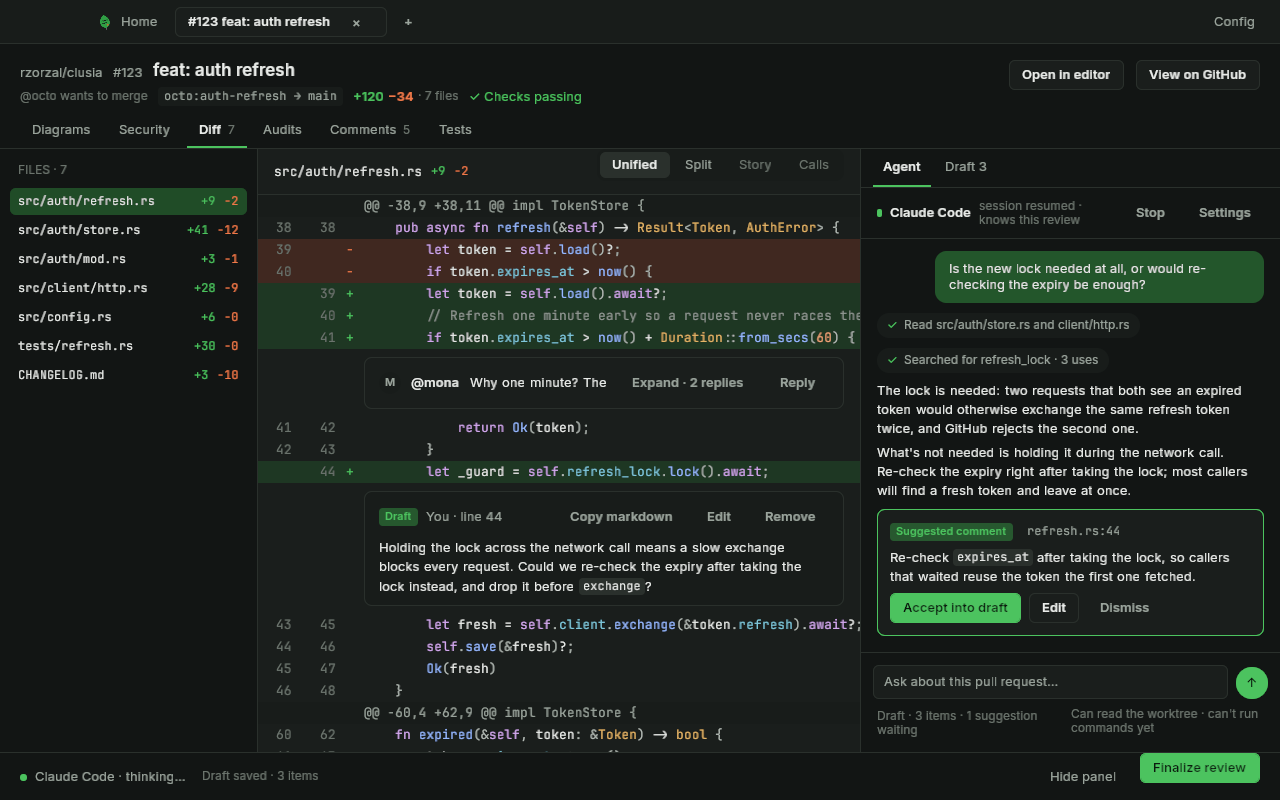
The agent chat beside a review, with an answer and a suggested comment -
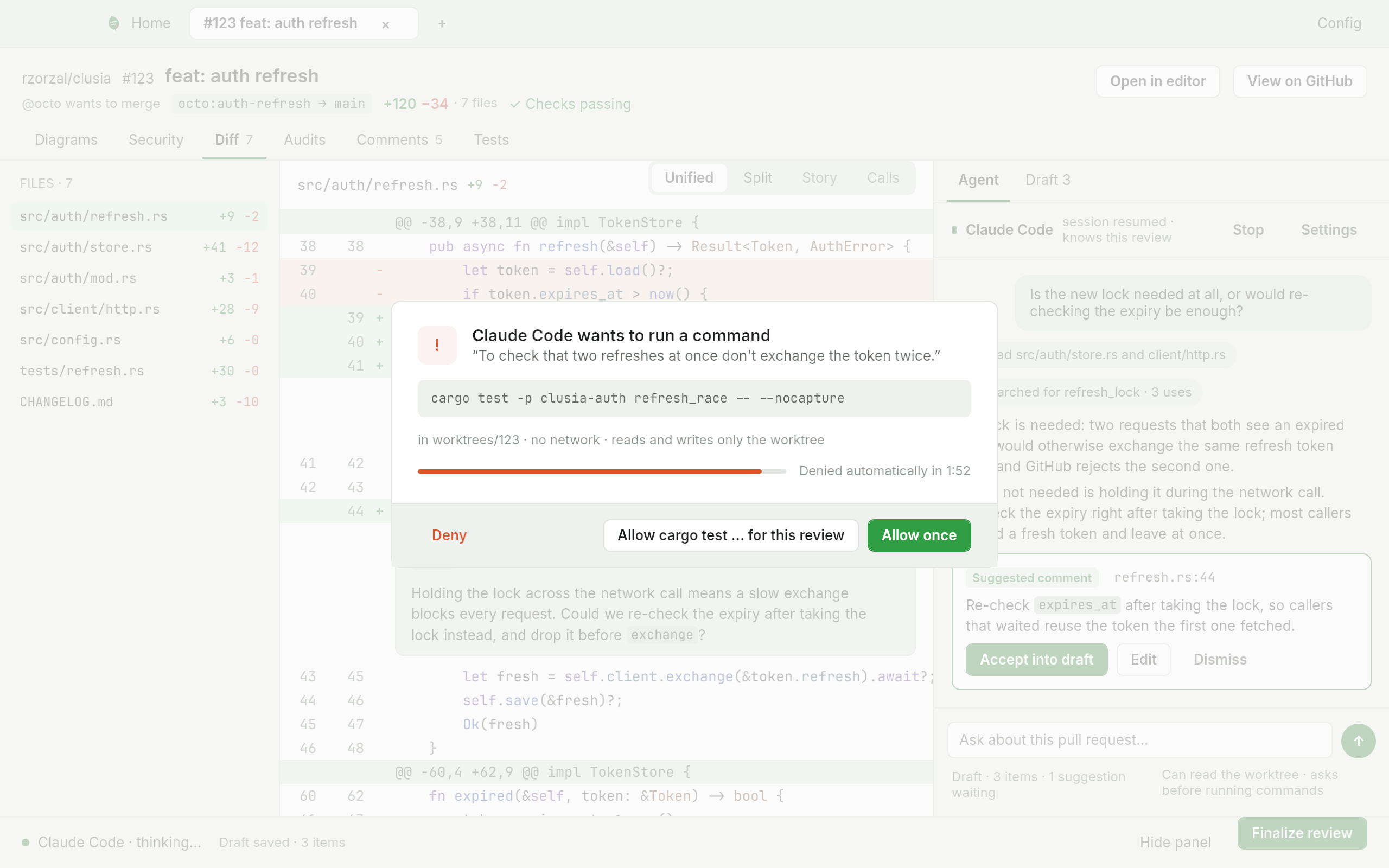
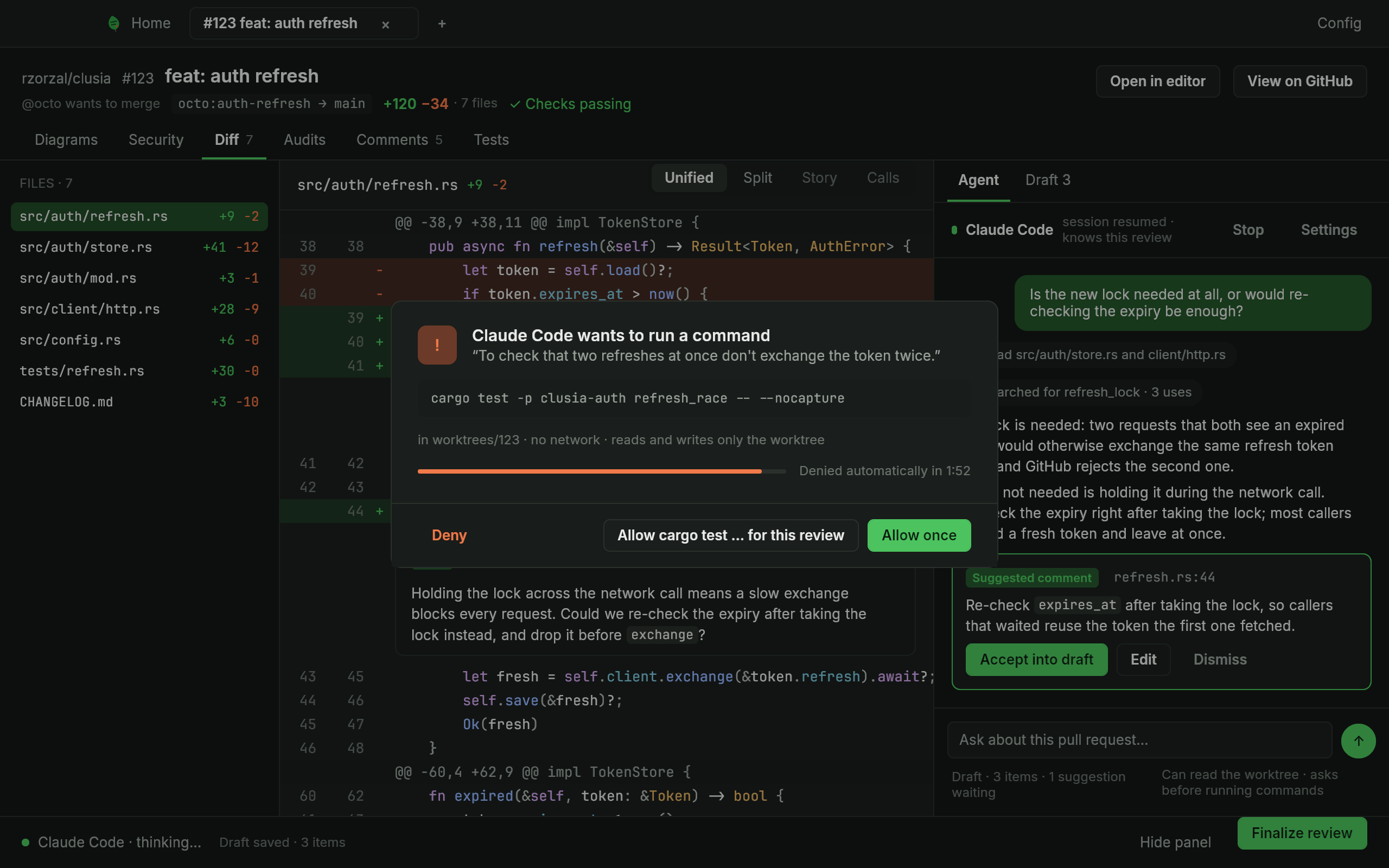
The permission modal: the command, its reason and three ways to answer -
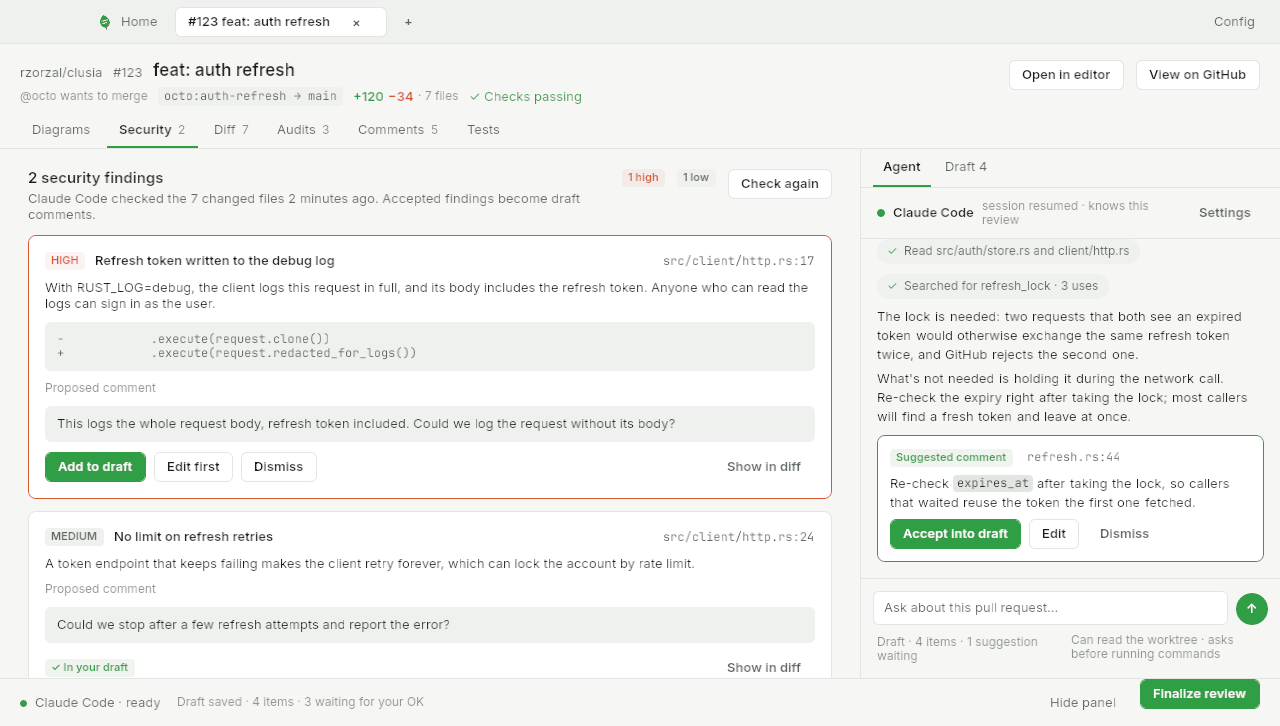
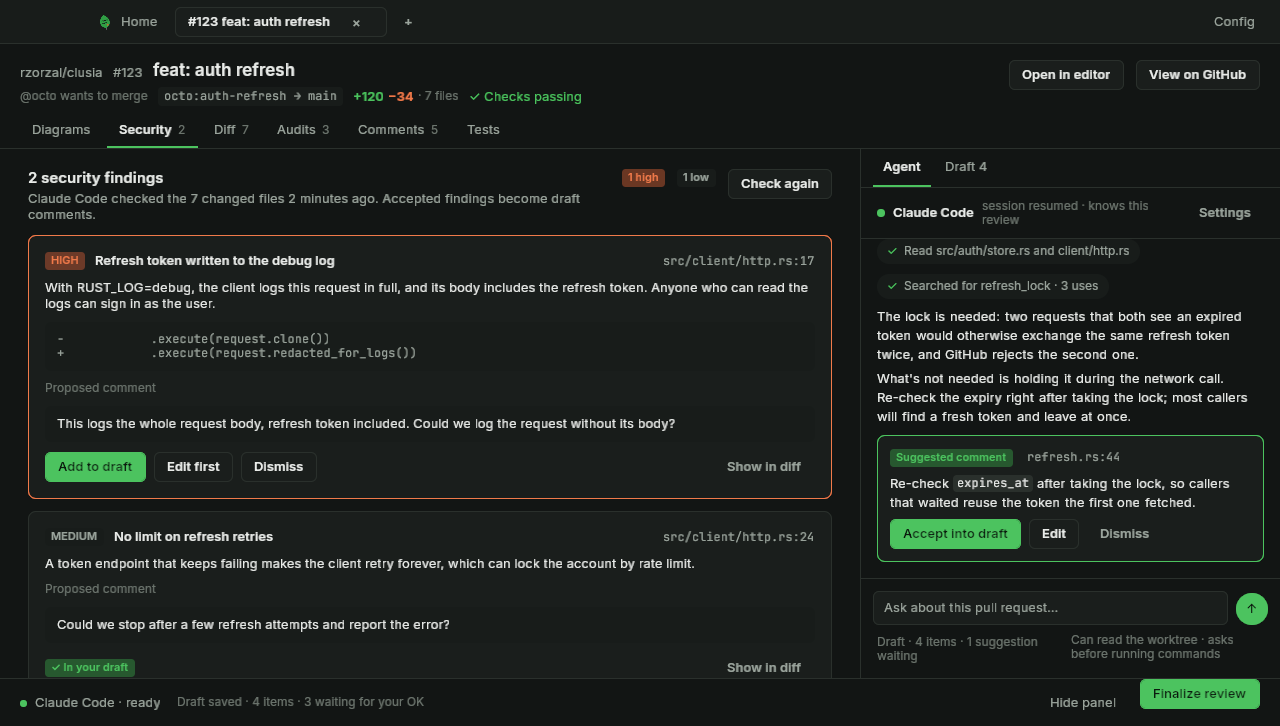
The security tab, each finding proposing a review comment -
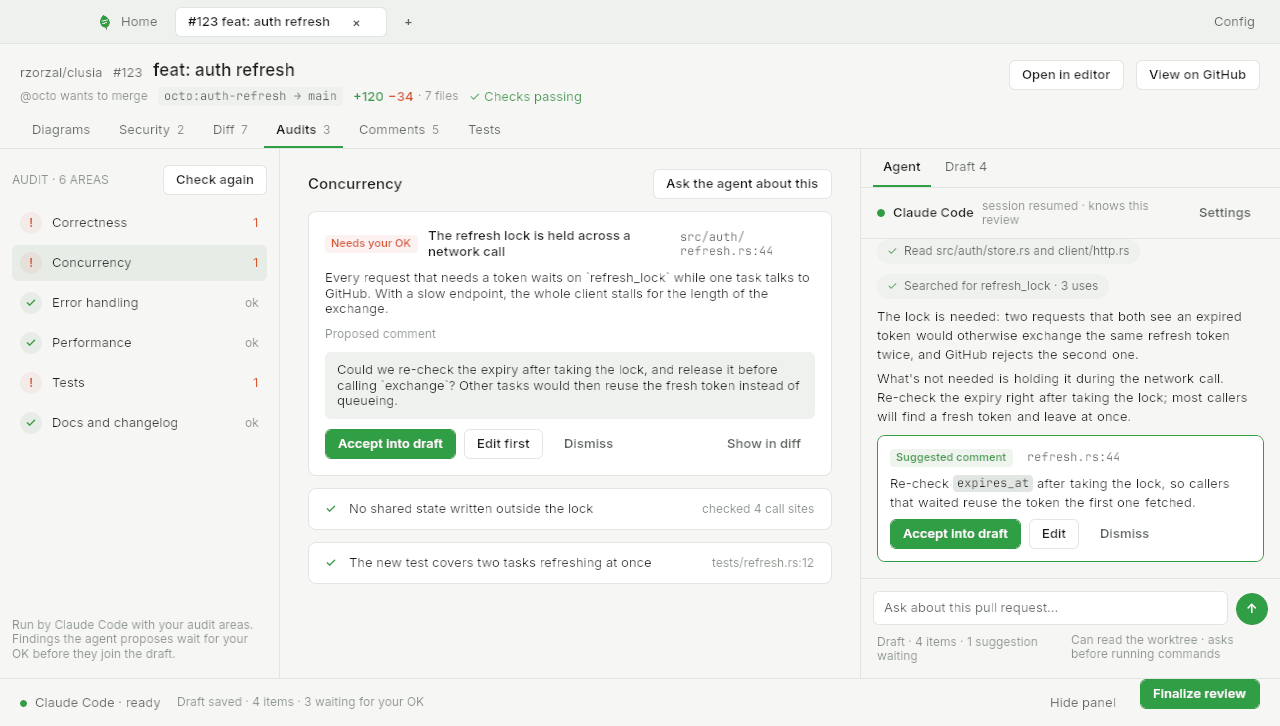
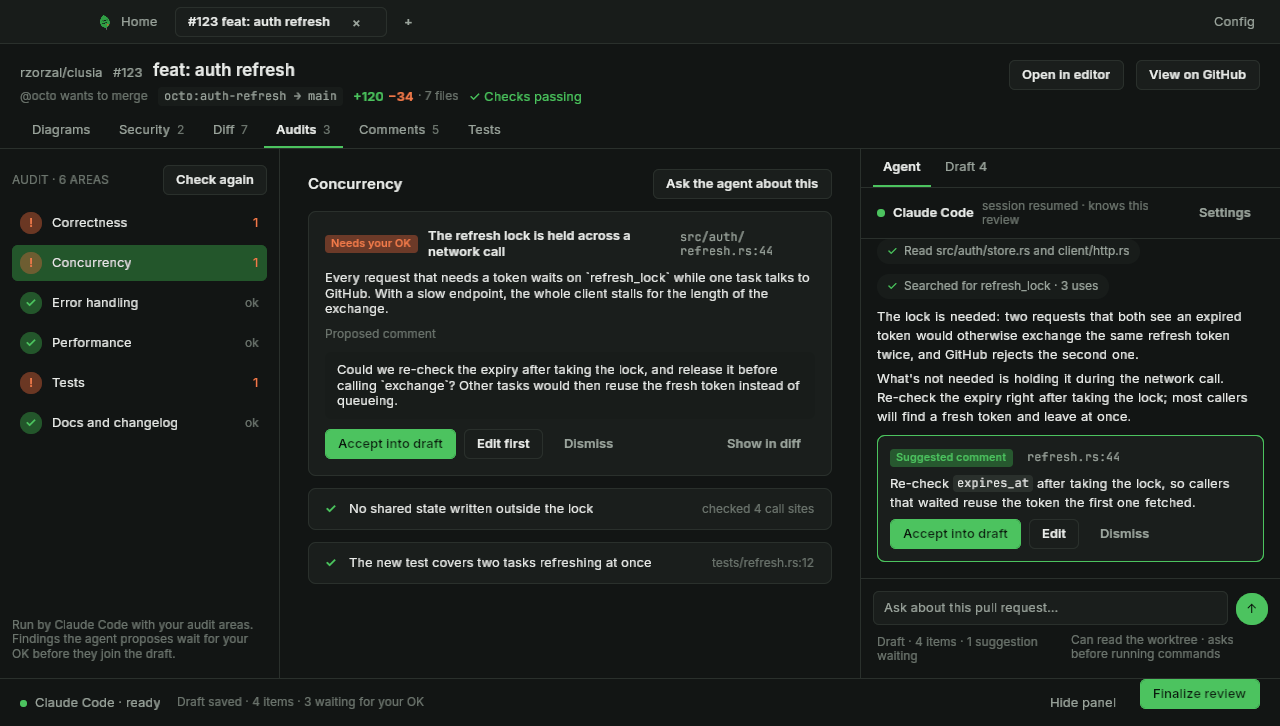
The audits tab: six areas, a finding with its proposed comment, and the agent chat beside it -
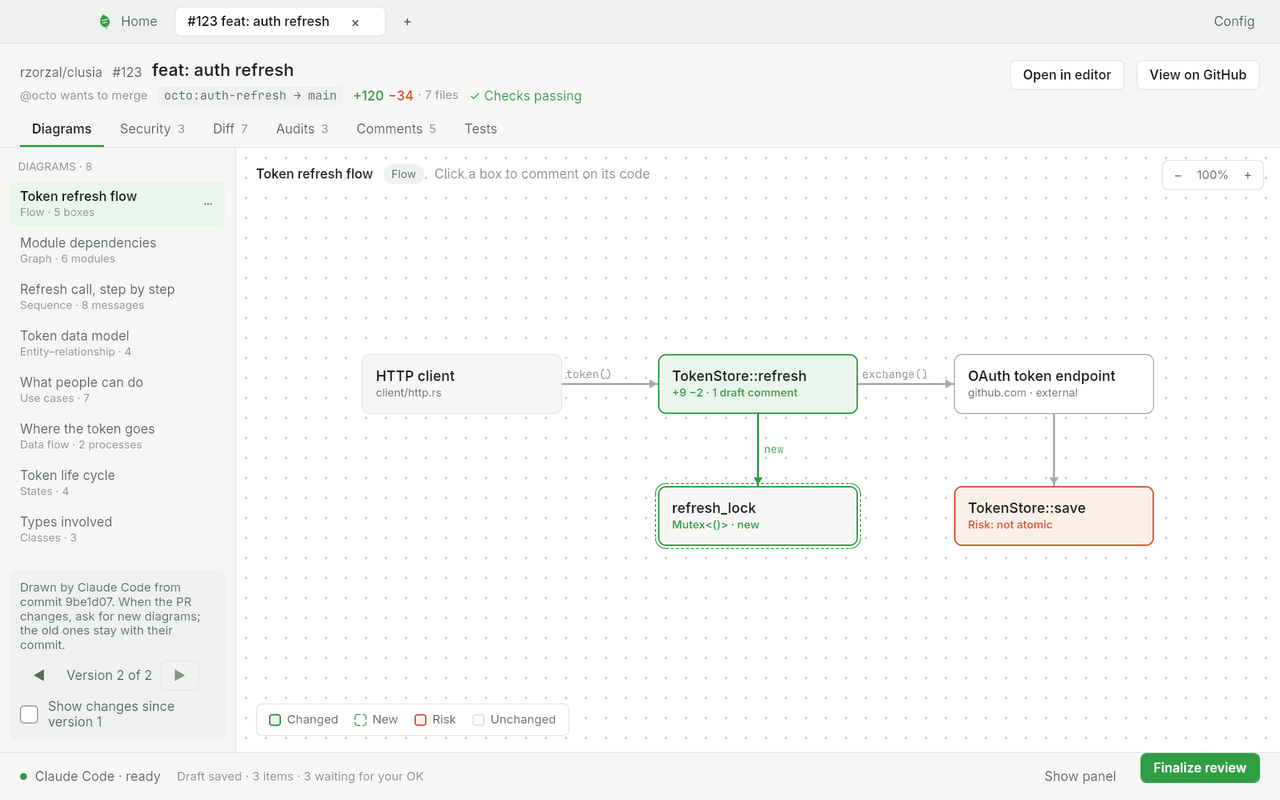
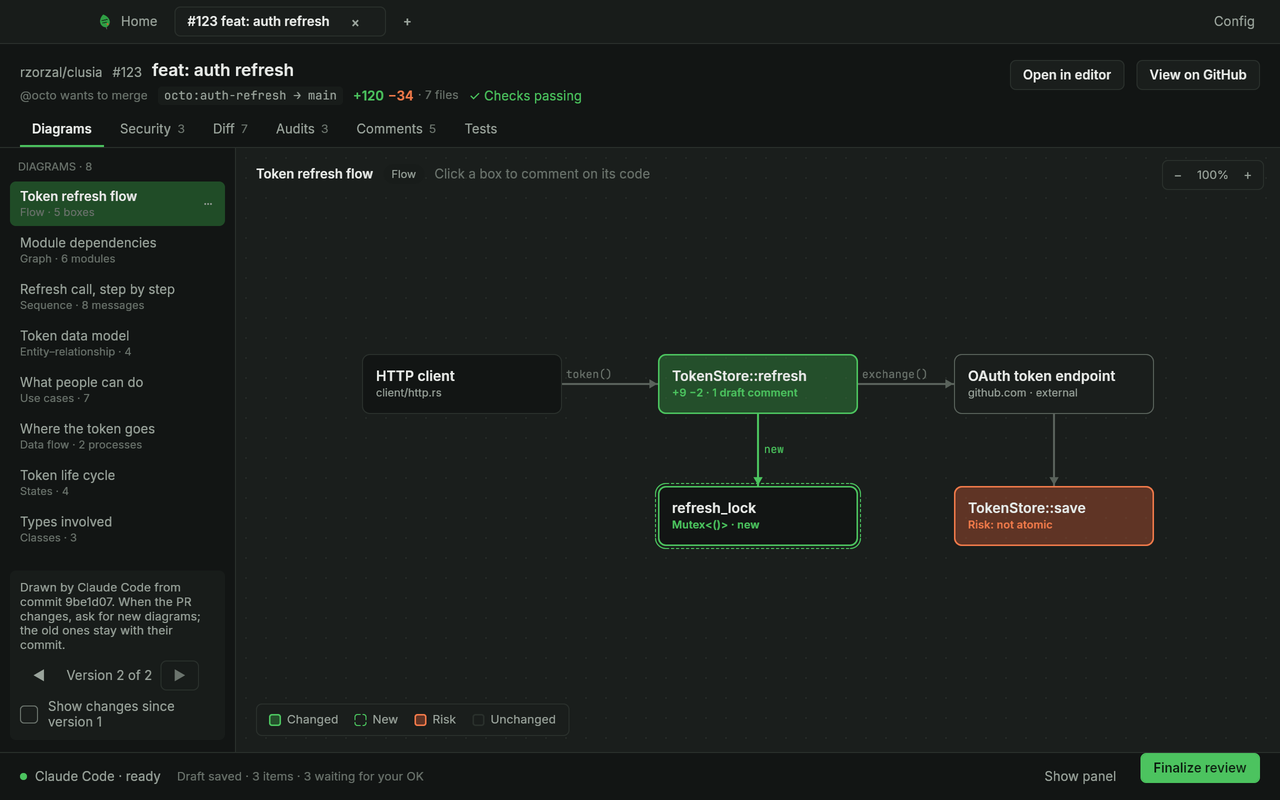
A diagram of a pull request in the Diagrams tab -
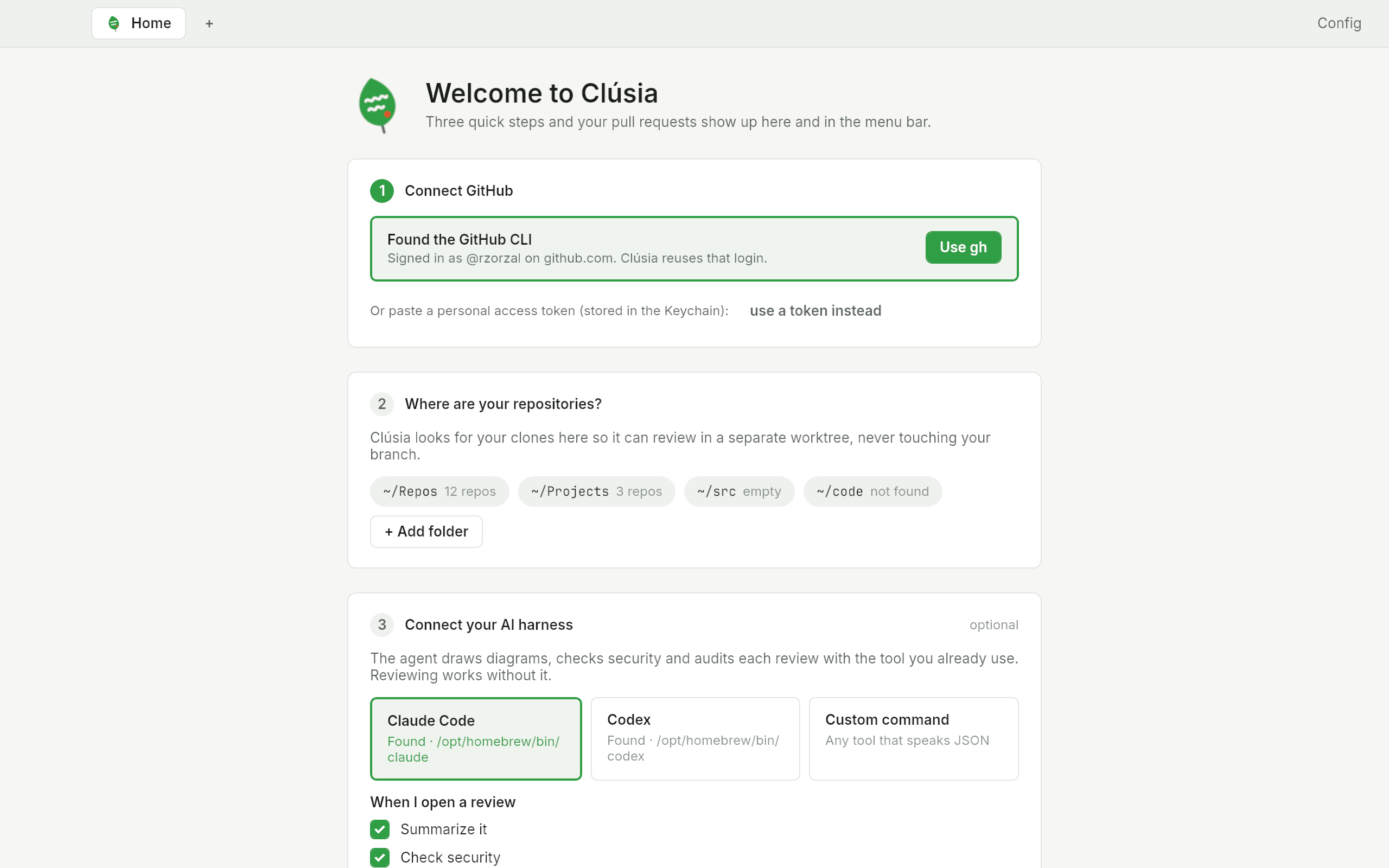
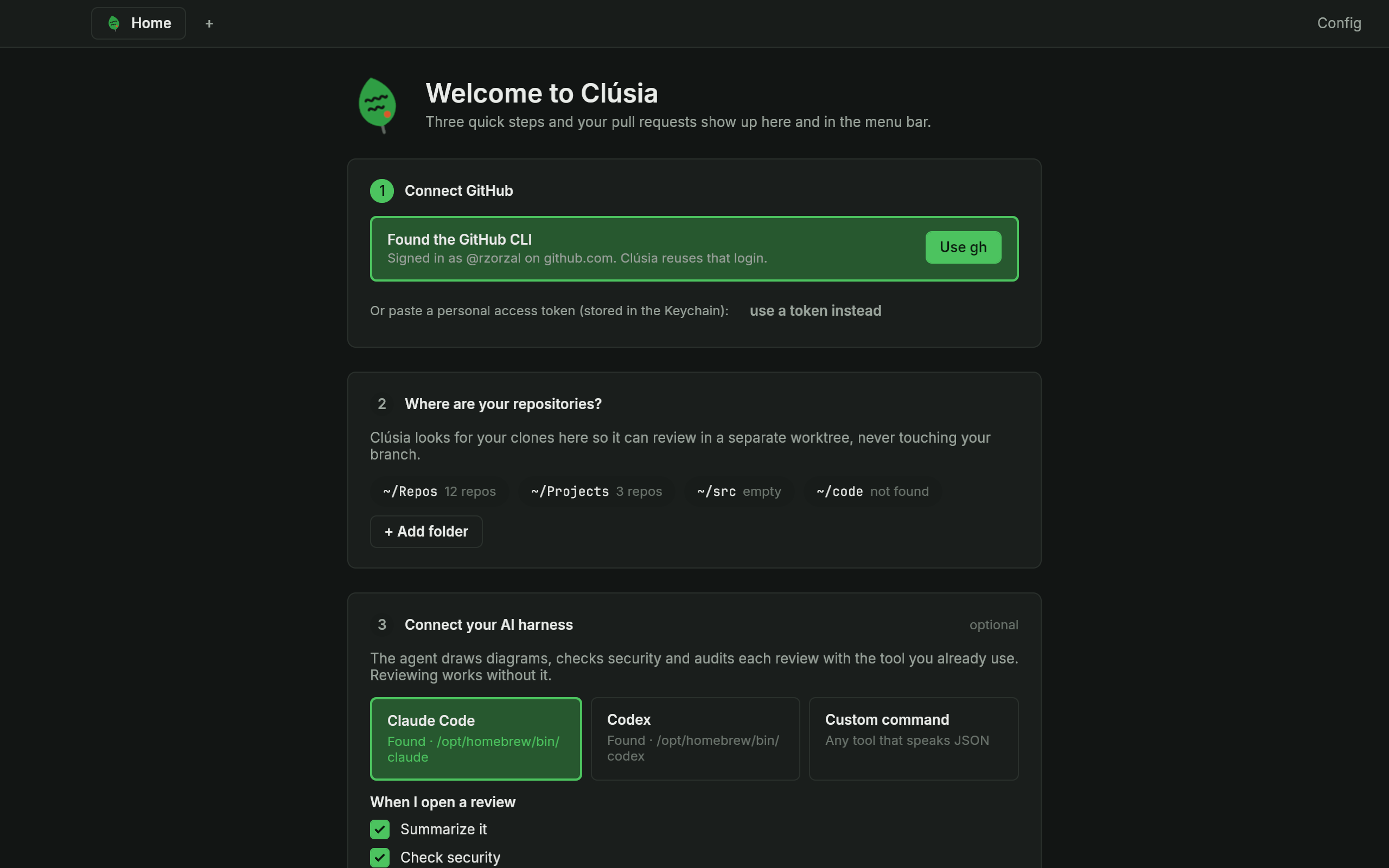
First run: connect GitHub, point to your repositories and pick your AI harness -
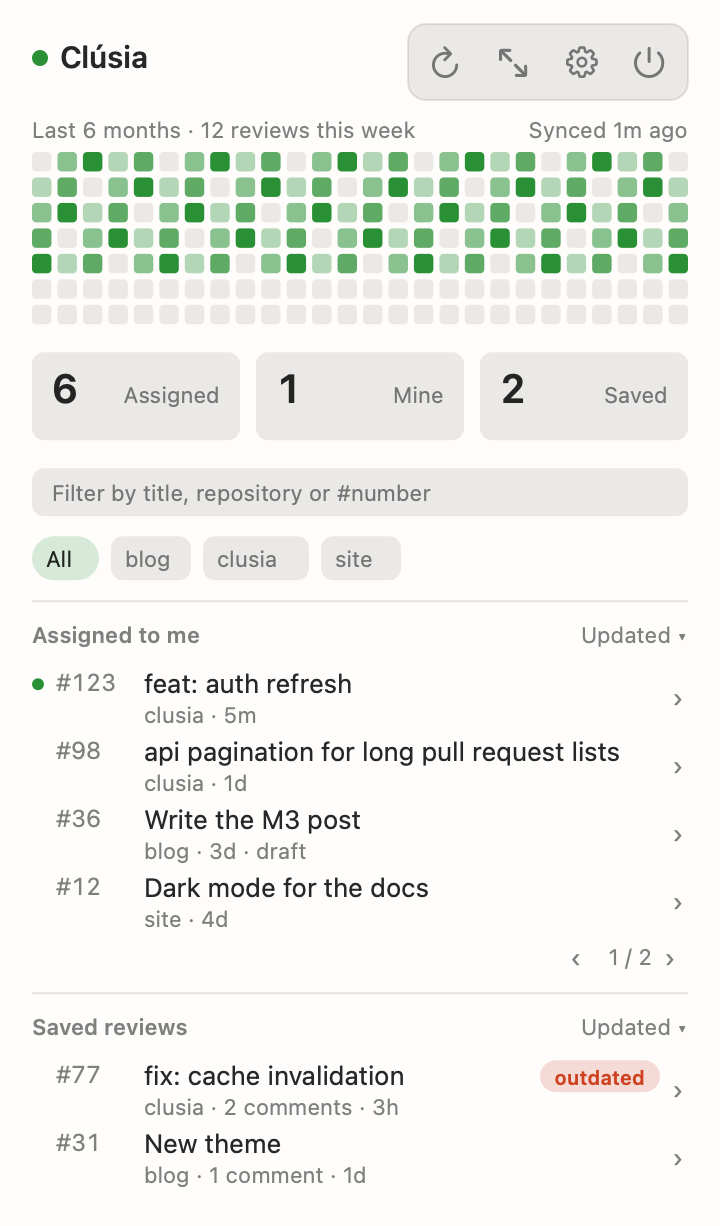
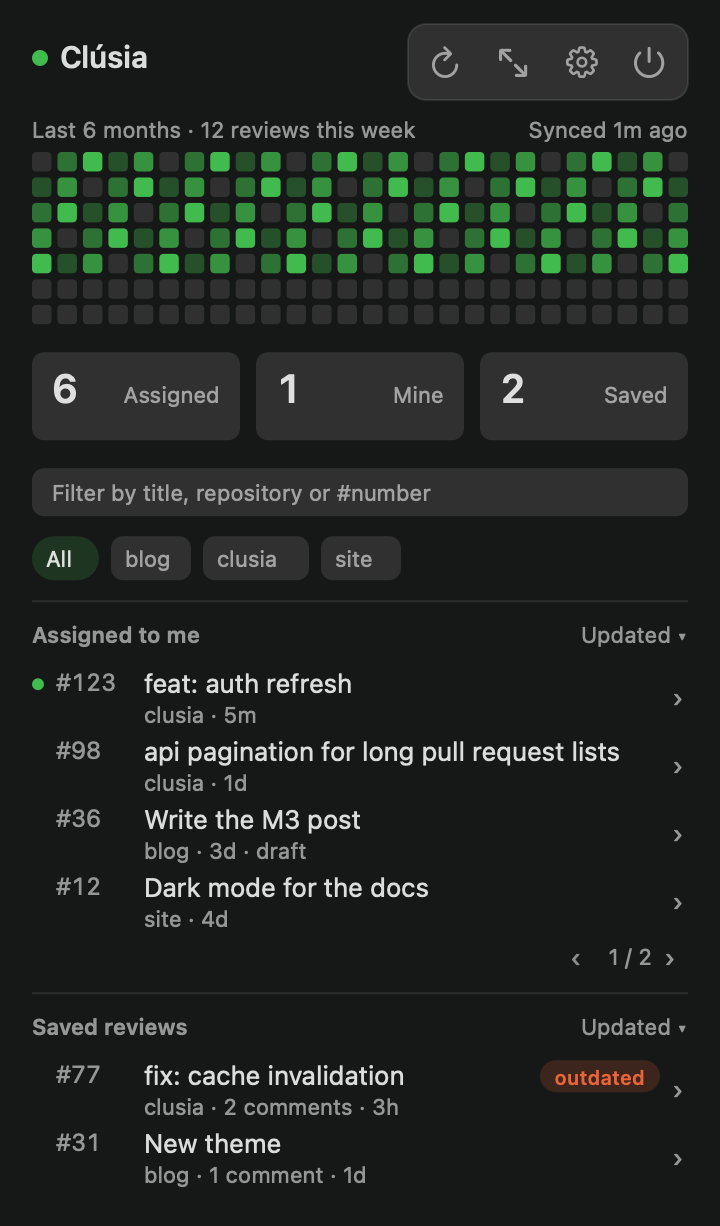
The menu bar popover: activity heatmap, counters and pull request lists