From the install to your first review
Quick start
Six steps from opening the app to publishing a review, then the commands you will use every day.
Not installed yet?
curl -fsSL https://raw.githubusercontent.com/rzorzal/clusia/main/install.sh | bashFirst steps
- Open Clusia.app. The menu bar tray, the background service and the window come up. A few seconds later macOS asks to allow notifications; choose Allow.
- Sign in to GitHub. The window uses your
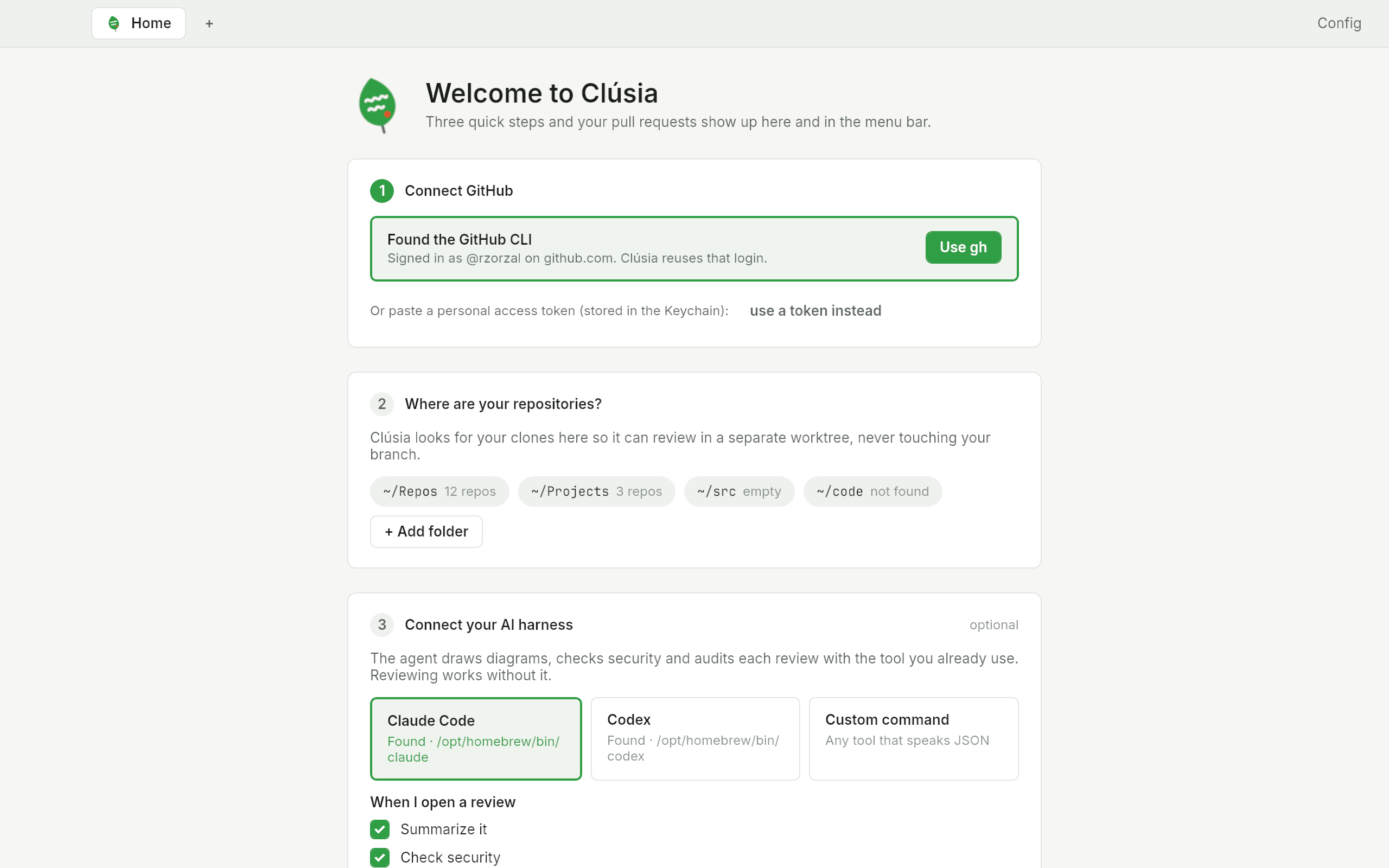
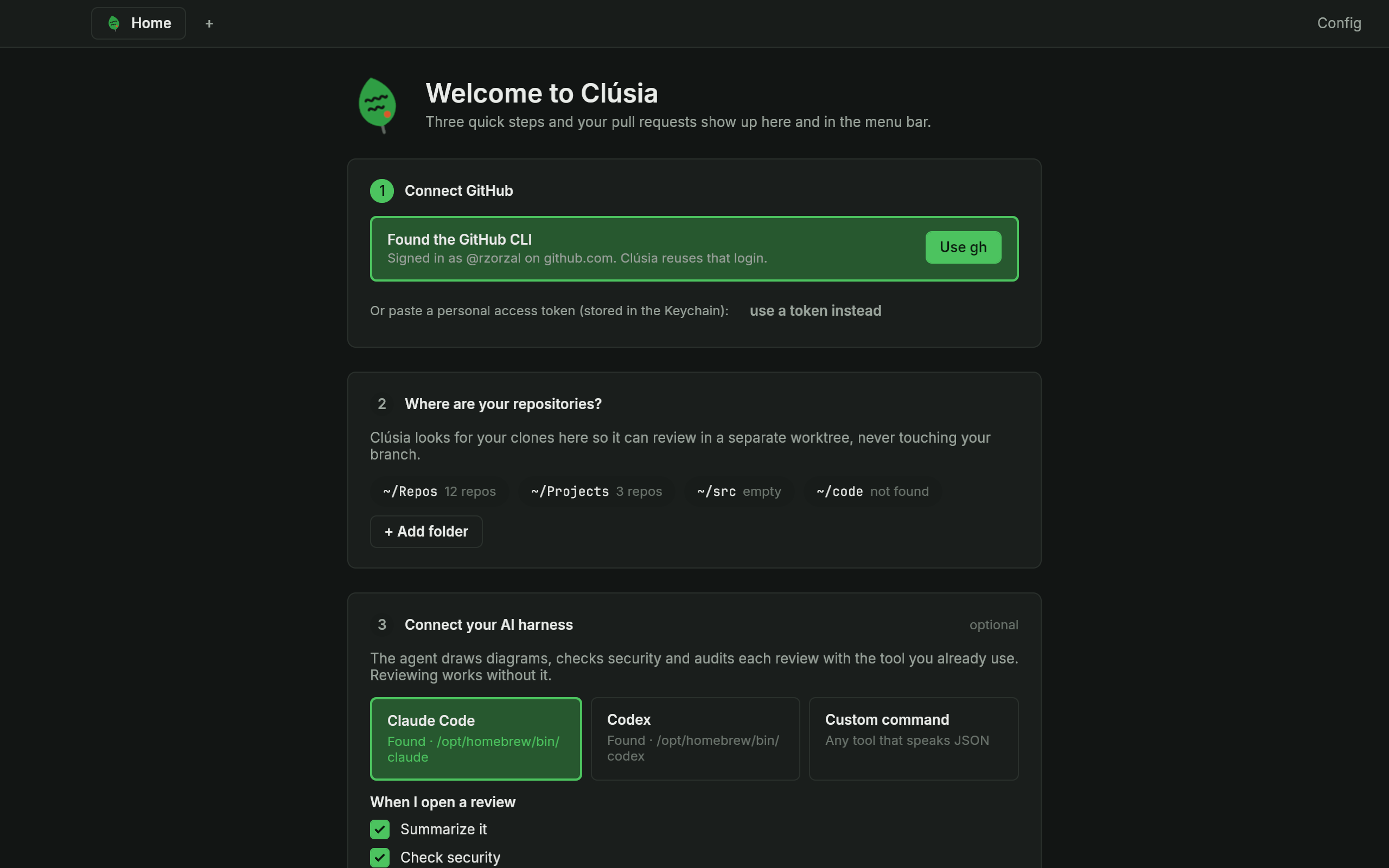
ghlogin, or runclusia auth loginand give it a personal access token on stdin. - Go through the first run. On a new machine the window opens on a short first run: connect GitHub, point Clúsia at the folders with your clones, and see which AI harness is installed. Press Continue.
- Open a pull request from the tray, from Home, or with
clusia open octo/hello#7. - Comment and ask the agent. Click a line to comment (Shift-click for a range) and reply to or resolve threads. Open the Agent tab in the right column of the review to ask your agent about the pull request.
- Press Finalize review. Everything goes to GitHub as one review; nothing is posted before that. Closing a tab or the window with an unpublished draft asks first.
Everyday commands
Add --json for machine-readable output. clusia --help lists the rest.
| Command | What it does |
|---|---|
clusia auth status / login / logout | Show which token is used, store one in the Keychain, or remove it |
clusia prs [--assigned] [--mine] | List the pull requests where your review is requested and the ones you opened |
clusia open octo/hello#7 | Refresh, prepare the worktree and show what is new |
clusia review comment octo/hello#7 src/lib.rs:42 "text" | Add a line comment to the draft |
clusia review publish octo/hello#7 --verdict approve | Publish the draft as one review |
clusia ask octo/hello#7 "Is the lock needed?" | Ask the review's agent; the answer streams |
clusia check octo/hello#7 [--security|--audit] | Run the security check, the audit or both and print the findings |
clusia diagrams octo/hello#7 [--draw] | List the diagrams of a review; --draw asks your agent to draw them |
clusia revalidate octo/hello#7 [--again] | Check the draft comments against the new commits; nothing in the draft changes |